

The 2026 Rulebook for Bringing AI Into Your Childcare Program (Without Letting It Take Over)
The 2026 Rulebook for Bringing AI Into Your Childcare Program (Without Letting It Take Over)
The 2026 Rulebook for Bringing AI Into Your Childcare Program (Without Letting It Take Over)

Last updated:
Why most childcare programs are stuck on AI
Most child care directors have tried AI by now in some capacity (Link to AI Study). They opened ChatGPT, asked it to write a parent email, and got back something that sounded close to right but felt off. Or worse, a teacher used it to draft an incident report and pasted in a child's full name without thinking about where that information went.
That's where most programs stop. The tech works fine. Using it just feels reckless. There are no rules. Every staff member prefers a different tool. Brand voice changes depending on who is typing. Sensitive information leaks. And nobody is quite sure what AI should and shouldn't touch.
But 28% of child care providers report successfully implementing AI to streamline their operations. (Link to AI Study) The promise of AI in childcare is real, and the path to using it safely is genuinely unclear. This playbook is for programs that want AI to support their team without taking over the work, or the values, that make the program what it is.
What child care directors actually need is an AI playbook, like the one laid out below.
Step 1: Pick one platform and commit to it
The first mistake most programs make is letting every staff member pick their own AI. The director uses ChatGPT. The lead teacher uses Gemini. The assistant director copies prompts from a Facebook group. The result is five different voices, five different definitions of what AI should help with, and zero ability to enforce anything.
Pick one platform. That's the whole step.
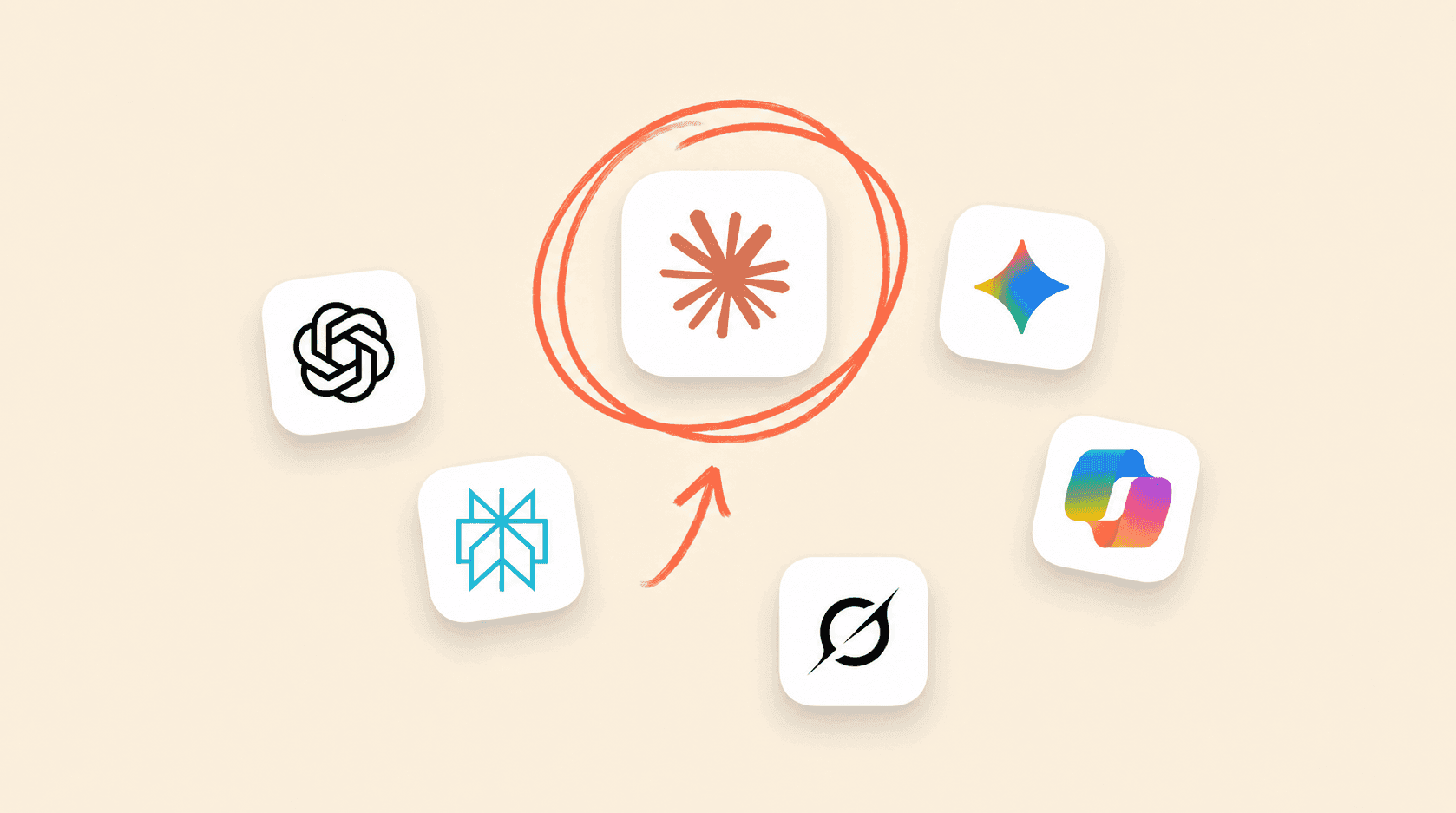
Some common options include ChatGPT, Gemini, and Claude. Claude can be a good recommendation for childcare programs for a few reasons:
It follows written instructions better than most alternatives, which matters when a rulebook needs to be respected every single time.
It tends to ask clarifying questions instead of guessing, so it doesn't make things up about a program.
It handles nuanced situations (custody questions, behavior concerns, sensitive family conversations) with more care than the average AI.
Whatever platform a program picks, the whole team needs to be on the same one. One platform means one set of rules, one bill, one place to train staff, and one place to update guidance when something changes.
A note for Playground programs: This whole step is already handled. Playground's AI features run on a curated model setup built for childcare, so there's no decision to make about which platform to use or how to keep everyone on the same one. Learn more at tryplayground.com/solutions/ai.
Step 2: Build your program’s rulebook
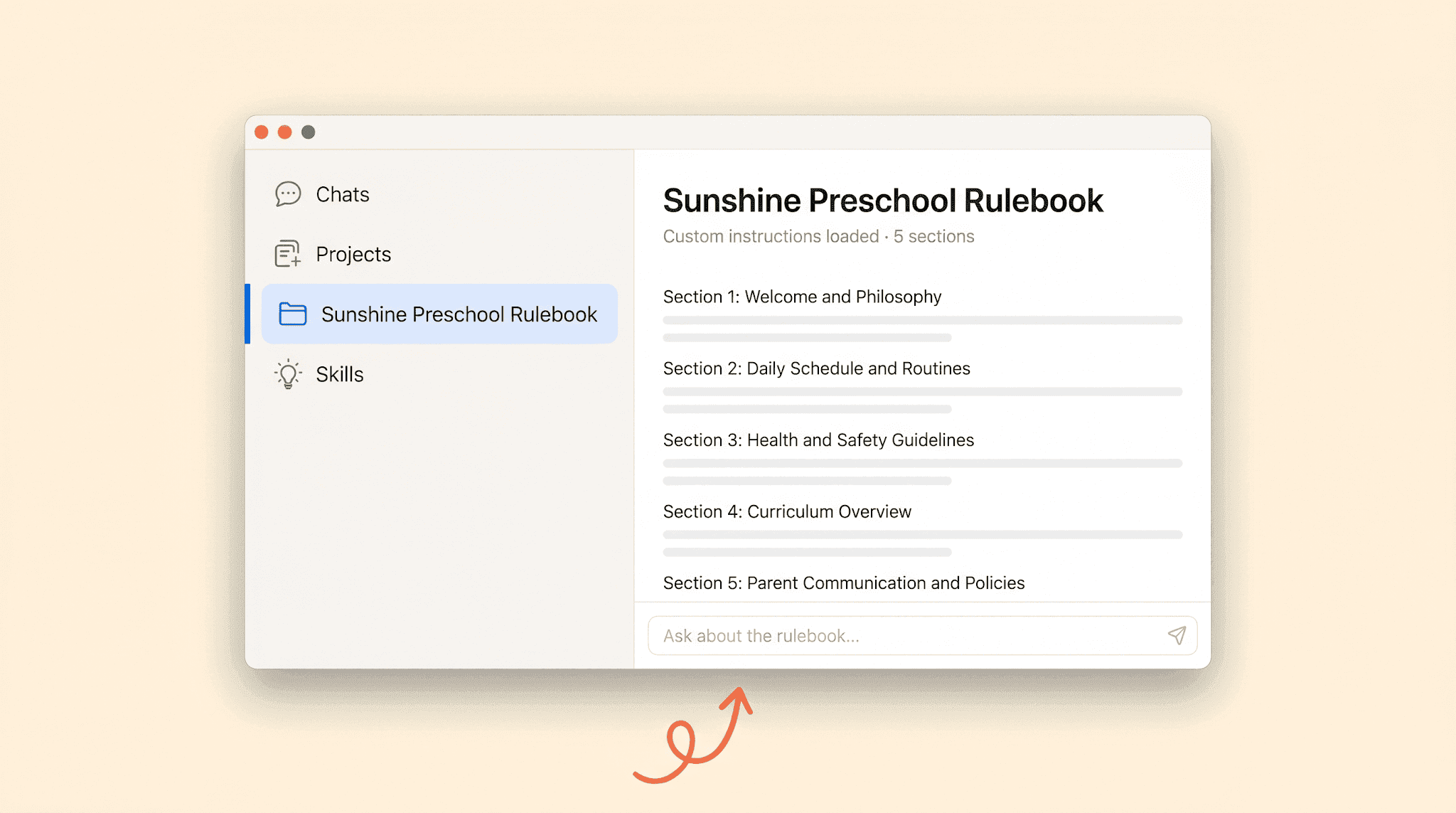
Once a platform is chosen, the next step is the rulebook. In Claude, this is called a "skill" or system prompt. Other tools call it a custom instructions file. The name varies, but the function is the same. One document tells AI how to behave every time someone on the team uses it.
A solid childcare rulebook covers five things.
The program's identity. Mission, values, voice, the tone families expect when they read something from the school.
What AI is allowed to do. Draft parent emails, summarize meeting notes, brainstorm activity ideas, rewrite policy language in plain English, prep newsletters.
What AI shouldn't touch. Medical decisions, custody situations, legal advice, anything involving a child's safety unless a human has reviewed it first.
How to talk to families. Warm, specific, no childcare jargon, never condescending, always action-oriented.
Privacy guardrails. No child names, no parent contact info, no medical records, no images of children ever pasted into prompts.
That's the whole document. Five sections, two to three pages. The rulebook should be specific enough that two different staff members using AI will produce output that sounds like it came from the same program.
Want more child care industry insights? Sign up for The Playground Report newsletter.
Step 3: How to actually write the rules
Most directors look at the list above and freeze. Writing a rulebook from scratch feels like a project that needs a consultant.
Playground built a free tool to skip that step.
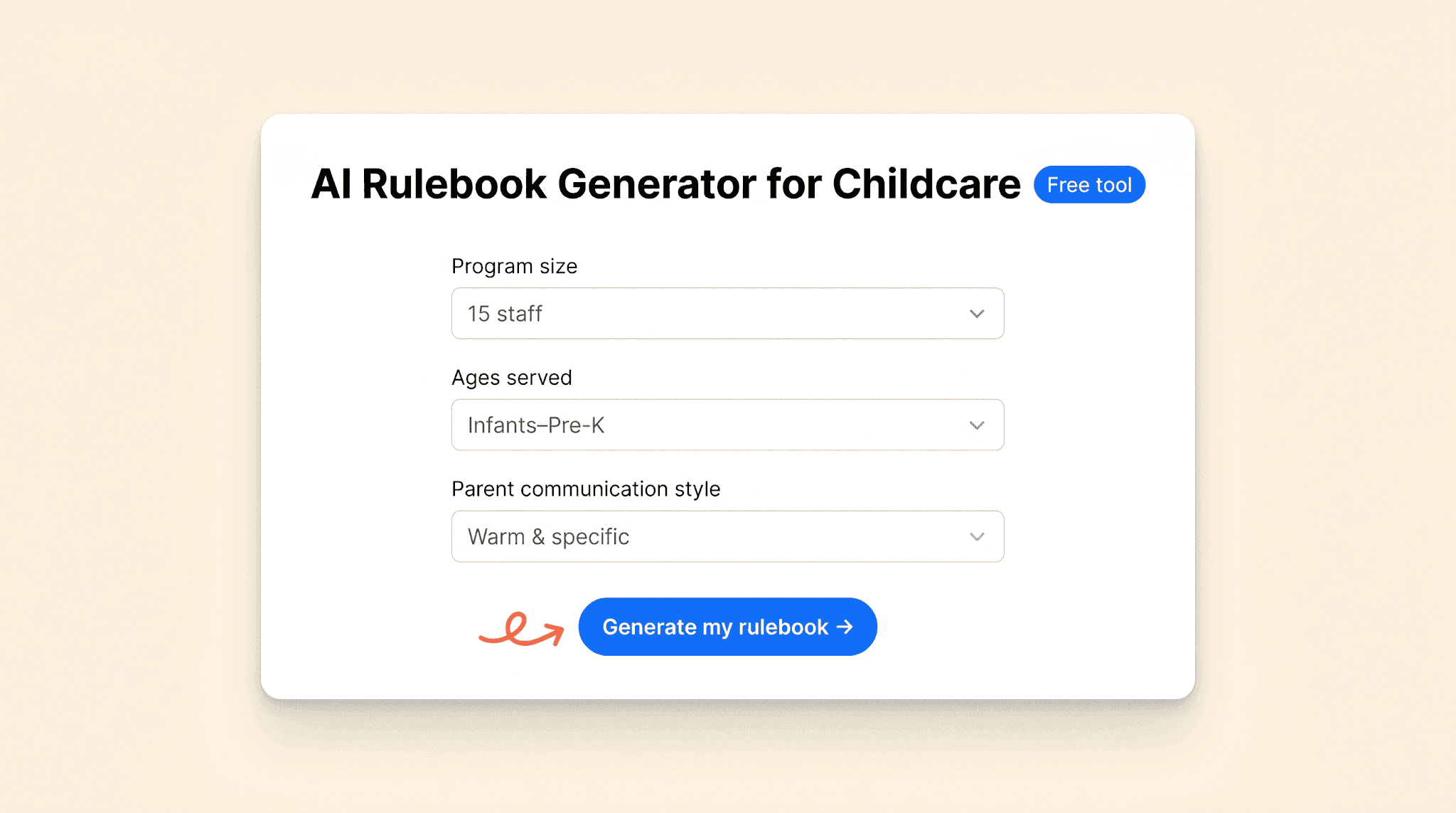
The AI Rulebook Generator for Childcare walks any program through it in about five minutes. It asks a handful of questions about the program (size, ages served, parent communication style, what AI is already being used for, where the biggest pain points are) and produces a ready-to-paste rulebook tailored to that specific program. The output works in Claude, ChatGPT, Gemini, or any platform that accepts custom instructions.
Try it here: Get the free AI Rulebook Generator
Figuring out what to actually put in the rulebook was the complicated part. Once that document exists, everything else gets easier.
Step 4: Roll the rulebook out to the team
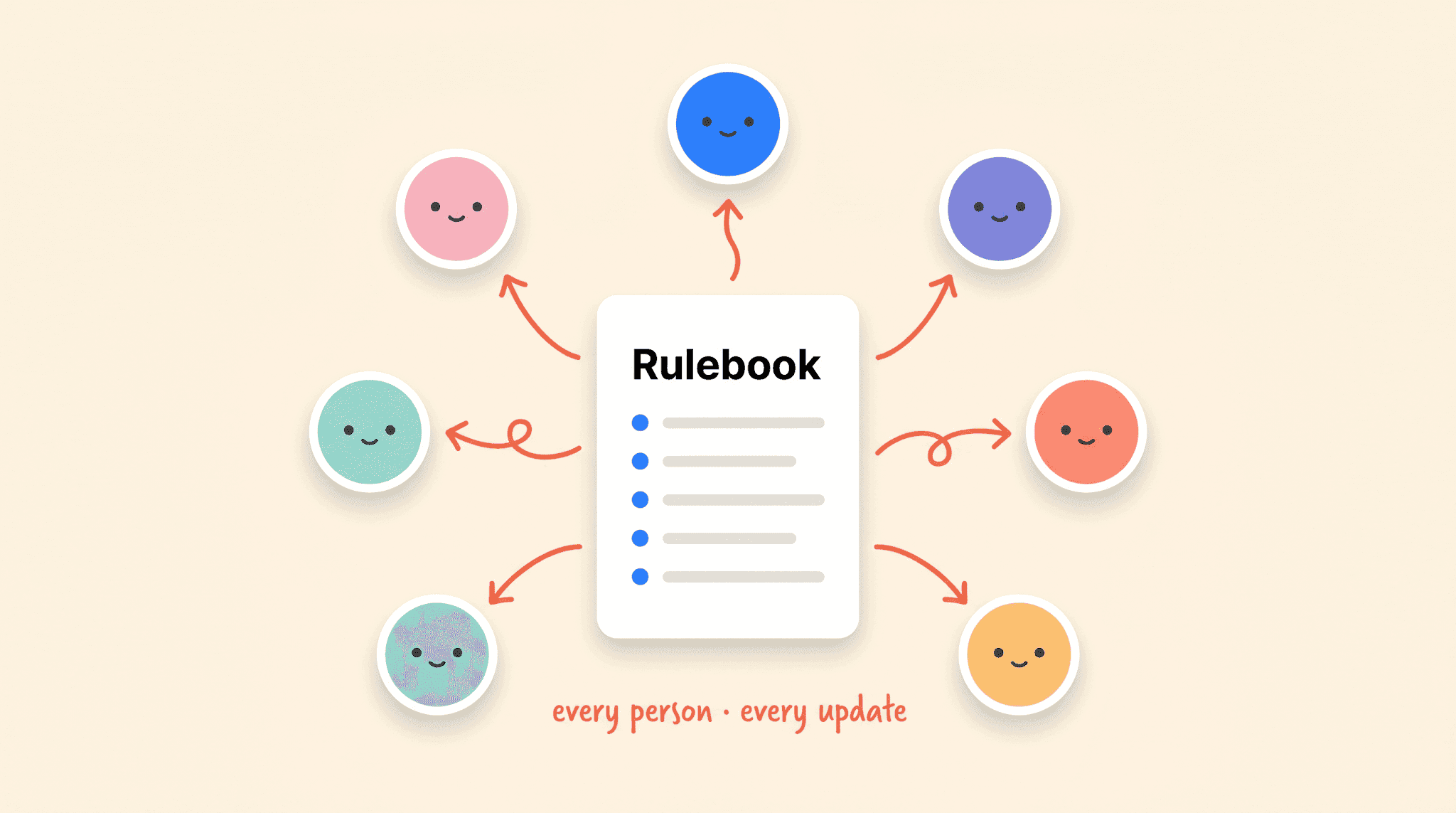
Writing the rulebook is the easy part. Getting every staff member to actually use it, every time, is the hard part. Without a rollout plan, the rulebook ends up sitting in a Google Doc nobody opens, and within a month the team is back to using whatever AI tool they had open first.
A clean rollout looks like this.
Run one training session. Walk the whole team through the rulebook, what it covers, why it exists, and how to load it into their AI tool. One hour, recorded, done.
Give every team member access to the same skill. This is the most important and most overlooked piece. If the director has the rulebook loaded in their Claude account and the lead teacher doesn't, the team is already drifting. Every staff member who touches AI for work needs the same rulebook loaded into the same platform. You can upgrade to an enterprise plan to use an organization wide skill, but this comes at a cost.
Schedule quarterly updates. Policies change. SOPs change. Tone shifts. The rulebook needs to keep up. Put a recurring reminder on the calendar to review and update it every three to six months.
Track who is using it. This is where DIY setups start to crack. There's no easy way to check whether the rulebook is actually being followed. Most programs end up trusting that staff are doing the right thing and hoping for the best.
Alignment is what makes the whole thing work. AI can be a force multiplier for whatever it's given. A team aligned on what AI is for and how to use it will move faster and sound more consistent than they ever did before. A team that's drifting will produce inconsistent communication, inconsistent decisions, and inconsistent risk exposure. There's no in-between.
The honest part: maintaining all of this is a lot of work
This playbook works. Any program can run it themselves. The honest part is what the upkeep looks like once it's live.
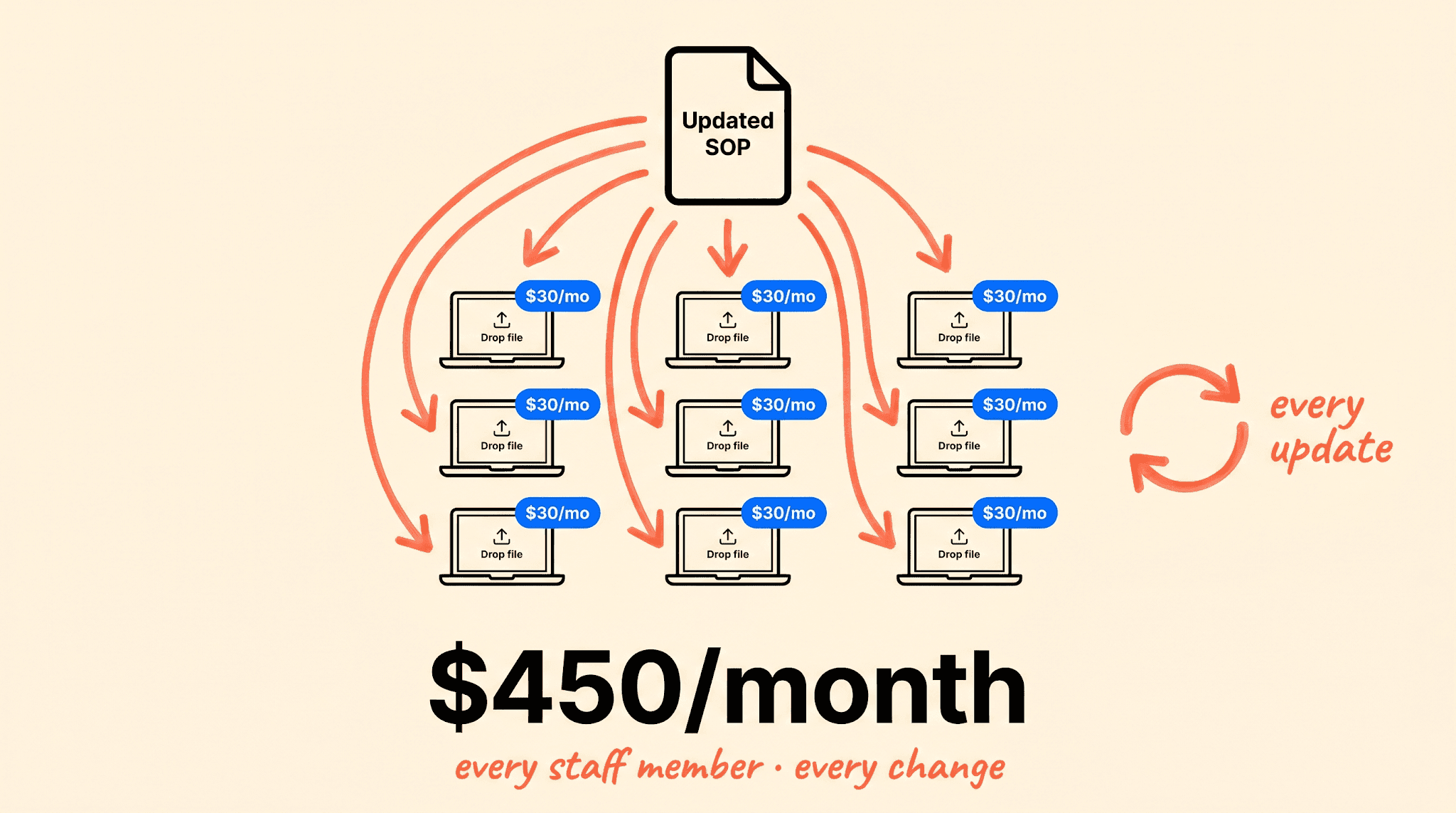
Start with the bill. A standalone setup means paying for a Claude or ChatGPT seat for every staff member who touches AI. For a team of fifteen on individual Claude accounts, that's $300 to $600 a month in subscriptions, plus the work of re-uploading the rulebook across every account every time an SOP changes. Claude for Enterprise solves the update problem with shared Projects and centralized admin (one update, applied everywhere), but the per-seat pricing climbs fast and someone still has to own it.
Then there's enforcement. Even with a shared Project in place, a staff member can open a new chat outside the Project and get vanilla output. Nothing forces the rulebook to be applied every single time.
There's also no audit trail. If a parent ever asks how an email was drafted or who told the AI to say what, there's no record to point to.
And then there's the workload itself. Updating the rulebook, re-running training, troubleshooting when something breaks, paying the invoices, that all lands on the director.
The setup is doable. The upkeep is where it gets expensive.
How Playground programs skip the legwork
Playground was built so childcare programs don't have to run this playbook by hand. The same outcomes (one rulebook, one platform, one source of truth, real guardrails) come built into the platform.
Playground Knowledge. Drag and drop SOPs, agent guides, parent handbooks, enrollment scripts, anything. They apply immediately to every AI feature pre-built into the app. No re-prompting, no per-user setup, no separate accounts to manage. Update a document and it updates everywhere. See how Playground Knowledge works.
Guided AI everywhere. The rulebook runs in the background of every AI action in Playground. Parent communications, enrollment responses, director workflows, all of it follows the same rules without staff needing to load anything manually. See Playground AI.
AI Enrollment. A voice agent picks up the phone in minutes so teachers don't have to leave a classroom for a tour request. On-site chat handles parent questions directly on the program's website so admin staff aren't getting interrupted every fifteen minutes. No leads sit in an inbox waiting. Every response is generated against the program's SOPs and brand voice, so families get the same answer whether they're calling, chatting, or filling out a form. See AI Enrollment.
Assistant Director. Most directors are doing the work of three people. Assistant Director handles the back-office load (drafting communications, summarizing data, prepping reports) and already knows the program's policies because Knowledge is feeding it the rulebook. See Assistant Director.
Instead of paying for fifteen Claude seats and the time to maintain them, one platform handles it. The math gets clear fast.
The bottom line
AI in childcare is worth doing. Programs that figure it out will spend less time on admin, communicate more consistently with families, and free their teams to actually be present with the kids.
It only works with guardrails, though. Without a rulebook, AI just adds risk faster than it adds value.
Any program can build this themselves. The free AI Rulebook Generator is a real starting point. Claude is a strong platform. The four steps in this playbook work.
Or programs can let Playground do it for them. Book a demo to see what AI with a rulebook actually looks like running inside a real childcare platform.
Either way, the era of AI free-for-all in childcare programs ends now.
Why most childcare programs are stuck on AI
Most child care directors have tried AI by now in some capacity (Link to AI Study). They opened ChatGPT, asked it to write a parent email, and got back something that sounded close to right but felt off. Or worse, a teacher used it to draft an incident report and pasted in a child's full name without thinking about where that information went.
That's where most programs stop. The tech works fine. Using it just feels reckless. There are no rules. Every staff member prefers a different tool. Brand voice changes depending on who is typing. Sensitive information leaks. And nobody is quite sure what AI should and shouldn't touch.
But 28% of child care providers report successfully implementing AI to streamline their operations. (Link to AI Study) The promise of AI in childcare is real, and the path to using it safely is genuinely unclear. This playbook is for programs that want AI to support their team without taking over the work, or the values, that make the program what it is.
What child care directors actually need is an AI playbook, like the one laid out below.
Step 1: Pick one platform and commit to it
The first mistake most programs make is letting every staff member pick their own AI. The director uses ChatGPT. The lead teacher uses Gemini. The assistant director copies prompts from a Facebook group. The result is five different voices, five different definitions of what AI should help with, and zero ability to enforce anything.
Pick one platform. That's the whole step.
Some common options include ChatGPT, Gemini, and Claude. Claude can be a good recommendation for childcare programs for a few reasons:
It follows written instructions better than most alternatives, which matters when a rulebook needs to be respected every single time.
It tends to ask clarifying questions instead of guessing, so it doesn't make things up about a program.
It handles nuanced situations (custody questions, behavior concerns, sensitive family conversations) with more care than the average AI.
Whatever platform a program picks, the whole team needs to be on the same one. One platform means one set of rules, one bill, one place to train staff, and one place to update guidance when something changes.
A note for Playground programs: This whole step is already handled. Playground's AI features run on a curated model setup built for childcare, so there's no decision to make about which platform to use or how to keep everyone on the same one. Learn more at tryplayground.com/solutions/ai.
Step 2: Build your program’s rulebook
Once a platform is chosen, the next step is the rulebook. In Claude, this is called a "skill" or system prompt. Other tools call it a custom instructions file. The name varies, but the function is the same. One document tells AI how to behave every time someone on the team uses it.
A solid childcare rulebook covers five things.
The program's identity. Mission, values, voice, the tone families expect when they read something from the school.
What AI is allowed to do. Draft parent emails, summarize meeting notes, brainstorm activity ideas, rewrite policy language in plain English, prep newsletters.
What AI shouldn't touch. Medical decisions, custody situations, legal advice, anything involving a child's safety unless a human has reviewed it first.
How to talk to families. Warm, specific, no childcare jargon, never condescending, always action-oriented.
Privacy guardrails. No child names, no parent contact info, no medical records, no images of children ever pasted into prompts.
That's the whole document. Five sections, two to three pages. The rulebook should be specific enough that two different staff members using AI will produce output that sounds like it came from the same program.
Want more child care industry insights? Sign up for The Playground Report newsletter.
Step 3: How to actually write the rules
Most directors look at the list above and freeze. Writing a rulebook from scratch feels like a project that needs a consultant.
Playground built a free tool to skip that step.
The AI Rulebook Generator for Childcare walks any program through it in about five minutes. It asks a handful of questions about the program (size, ages served, parent communication style, what AI is already being used for, where the biggest pain points are) and produces a ready-to-paste rulebook tailored to that specific program. The output works in Claude, ChatGPT, Gemini, or any platform that accepts custom instructions.
Try it here: Get the free AI Rulebook Generator
Figuring out what to actually put in the rulebook was the complicated part. Once that document exists, everything else gets easier.
Step 4: Roll the rulebook out to the team
Writing the rulebook is the easy part. Getting every staff member to actually use it, every time, is the hard part. Without a rollout plan, the rulebook ends up sitting in a Google Doc nobody opens, and within a month the team is back to using whatever AI tool they had open first.
A clean rollout looks like this.
Run one training session. Walk the whole team through the rulebook, what it covers, why it exists, and how to load it into their AI tool. One hour, recorded, done.
Give every team member access to the same skill. This is the most important and most overlooked piece. If the director has the rulebook loaded in their Claude account and the lead teacher doesn't, the team is already drifting. Every staff member who touches AI for work needs the same rulebook loaded into the same platform. You can upgrade to an enterprise plan to use an organization wide skill, but this comes at a cost.
Schedule quarterly updates. Policies change. SOPs change. Tone shifts. The rulebook needs to keep up. Put a recurring reminder on the calendar to review and update it every three to six months.
Track who is using it. This is where DIY setups start to crack. There's no easy way to check whether the rulebook is actually being followed. Most programs end up trusting that staff are doing the right thing and hoping for the best.
Alignment is what makes the whole thing work. AI can be a force multiplier for whatever it's given. A team aligned on what AI is for and how to use it will move faster and sound more consistent than they ever did before. A team that's drifting will produce inconsistent communication, inconsistent decisions, and inconsistent risk exposure. There's no in-between.
The honest part: maintaining all of this is a lot of work
This playbook works. Any program can run it themselves. The honest part is what the upkeep looks like once it's live.
Start with the bill. A standalone setup means paying for a Claude or ChatGPT seat for every staff member who touches AI. For a team of fifteen on individual Claude accounts, that's $300 to $600 a month in subscriptions, plus the work of re-uploading the rulebook across every account every time an SOP changes. Claude for Enterprise solves the update problem with shared Projects and centralized admin (one update, applied everywhere), but the per-seat pricing climbs fast and someone still has to own it.
Then there's enforcement. Even with a shared Project in place, a staff member can open a new chat outside the Project and get vanilla output. Nothing forces the rulebook to be applied every single time.
There's also no audit trail. If a parent ever asks how an email was drafted or who told the AI to say what, there's no record to point to.
And then there's the workload itself. Updating the rulebook, re-running training, troubleshooting when something breaks, paying the invoices, that all lands on the director.
The setup is doable. The upkeep is where it gets expensive.
How Playground programs skip the legwork
Playground was built so childcare programs don't have to run this playbook by hand. The same outcomes (one rulebook, one platform, one source of truth, real guardrails) come built into the platform.
Playground Knowledge. Drag and drop SOPs, agent guides, parent handbooks, enrollment scripts, anything. They apply immediately to every AI feature pre-built into the app. No re-prompting, no per-user setup, no separate accounts to manage. Update a document and it updates everywhere. See how Playground Knowledge works.
Guided AI everywhere. The rulebook runs in the background of every AI action in Playground. Parent communications, enrollment responses, director workflows, all of it follows the same rules without staff needing to load anything manually. See Playground AI.
AI Enrollment. A voice agent picks up the phone in minutes so teachers don't have to leave a classroom for a tour request. On-site chat handles parent questions directly on the program's website so admin staff aren't getting interrupted every fifteen minutes. No leads sit in an inbox waiting. Every response is generated against the program's SOPs and brand voice, so families get the same answer whether they're calling, chatting, or filling out a form. See AI Enrollment.
Assistant Director. Most directors are doing the work of three people. Assistant Director handles the back-office load (drafting communications, summarizing data, prepping reports) and already knows the program's policies because Knowledge is feeding it the rulebook. See Assistant Director.
Instead of paying for fifteen Claude seats and the time to maintain them, one platform handles it. The math gets clear fast.
The bottom line
AI in childcare is worth doing. Programs that figure it out will spend less time on admin, communicate more consistently with families, and free their teams to actually be present with the kids.
It only works with guardrails, though. Without a rulebook, AI just adds risk faster than it adds value.
Any program can build this themselves. The free AI Rulebook Generator is a real starting point. Claude is a strong platform. The four steps in this playbook work.
Or programs can let Playground do it for them. Book a demo to see what AI with a rulebook actually looks like running inside a real childcare platform.
Either way, the era of AI free-for-all in childcare programs ends now.
Henry Selden is a creative designer at Playground where he focuses on marketing, web design, advertising, and SEO. Before Playground, he designed for fashion brands including 3.1 Phillip Lim and Robert Graham, and founded two independent labels of his own; handling marketing, web, and brand work end-to-end. A Denison University graduate, he writes here about marketing, web, and brand strategy for childcare operators.
Share this article
The highest rated child care software
Ratings and review counts from public app store listings, May 2026.




Book a demo and simplify every corner of your business.




Book a demo and simplify every corner of your business.
