
Child Care Record Retention Guide: What to Store, How Long, and Why Paper Costs More
7 min read
Aug 11, 2026
Operations

Operations
Simple meal recording, automatic CACFP reporting, and integrated systems to streamline your food operations and boost reimbursements.
Join 500,000+ owners, directors, teachers, and families already on Playground
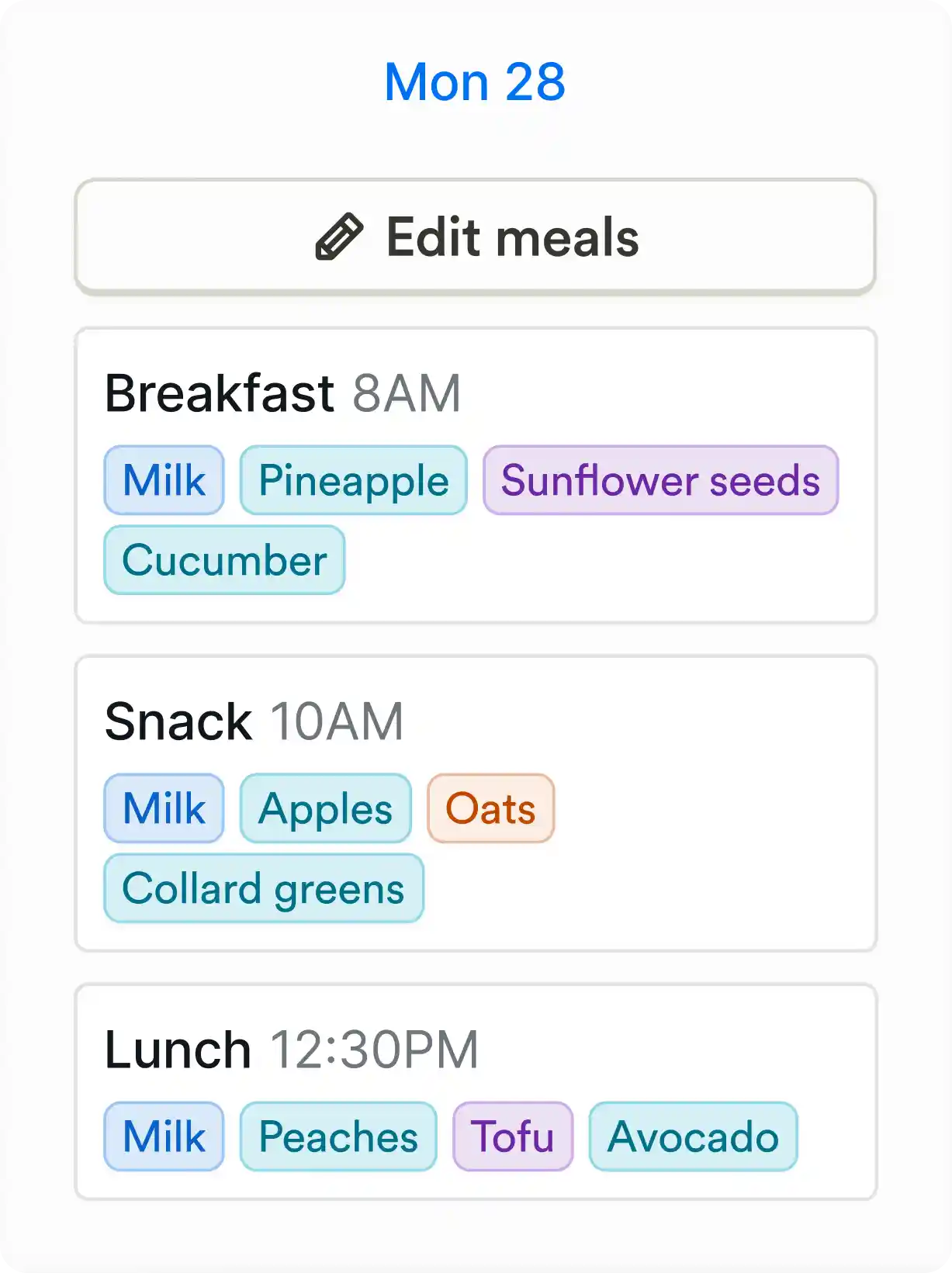
Simple point of service
Record meals in seconds at the point of service
Automatically sync meal counts with child attendance
Meals automatically tag by child’s free, reduced, or paid status
Track how much was eaten
View allergies instantly on student profiles and rosters
Log and edit meals on the go from mobile or tablet
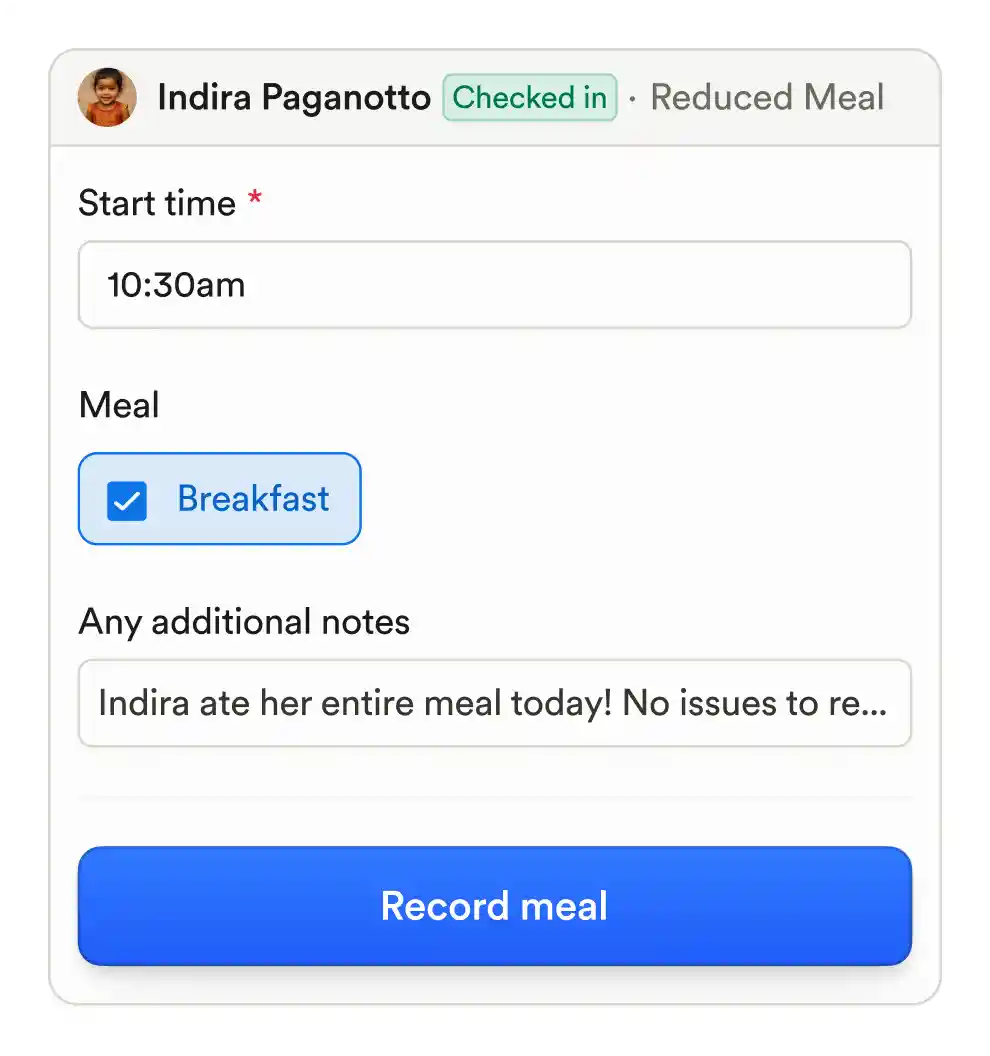
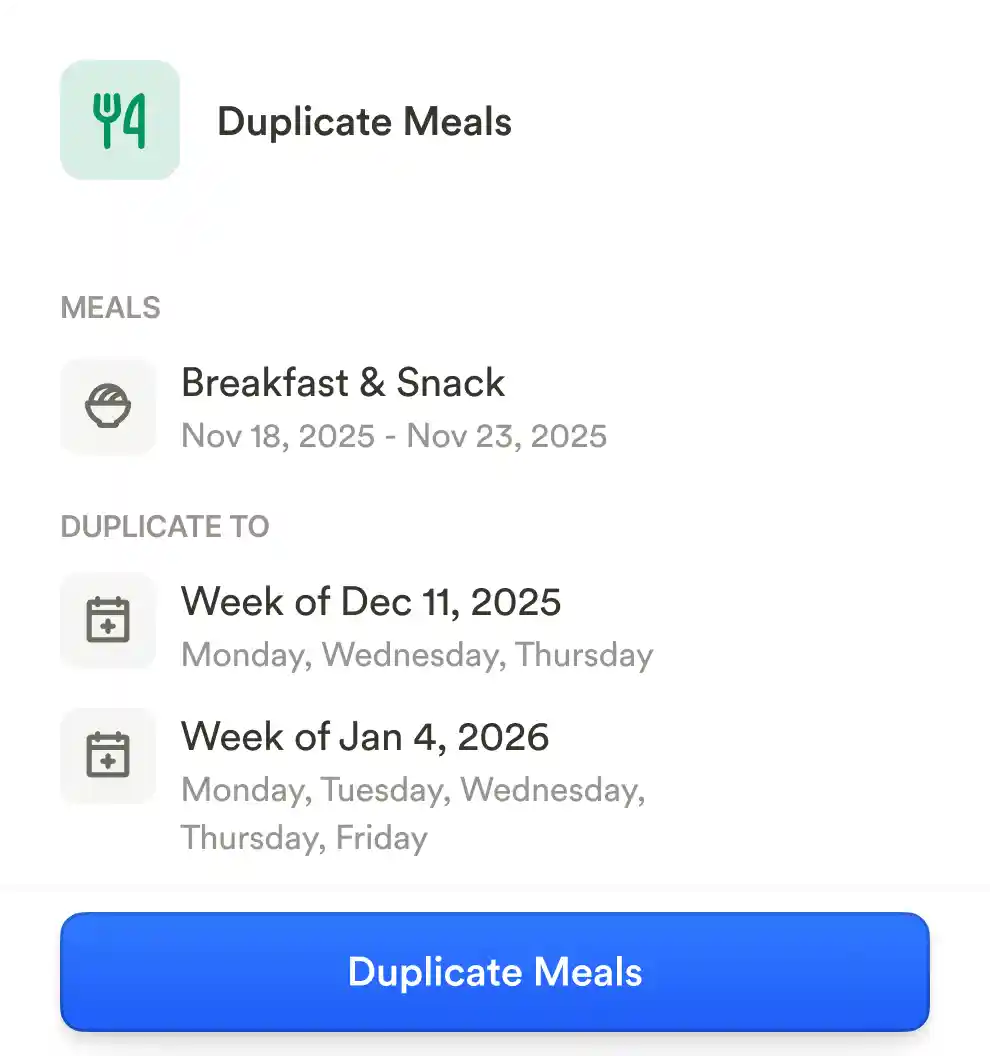
Share menus with templates
Create and reuse menu templates
Select CACFP creditable ingredients or create your own
Share daily menus with families via calendar
Manage multiple menus across multiple sites
Edit and update menus on the fly
CACFP ready reporting
Automatically generate CACFP-ready reports
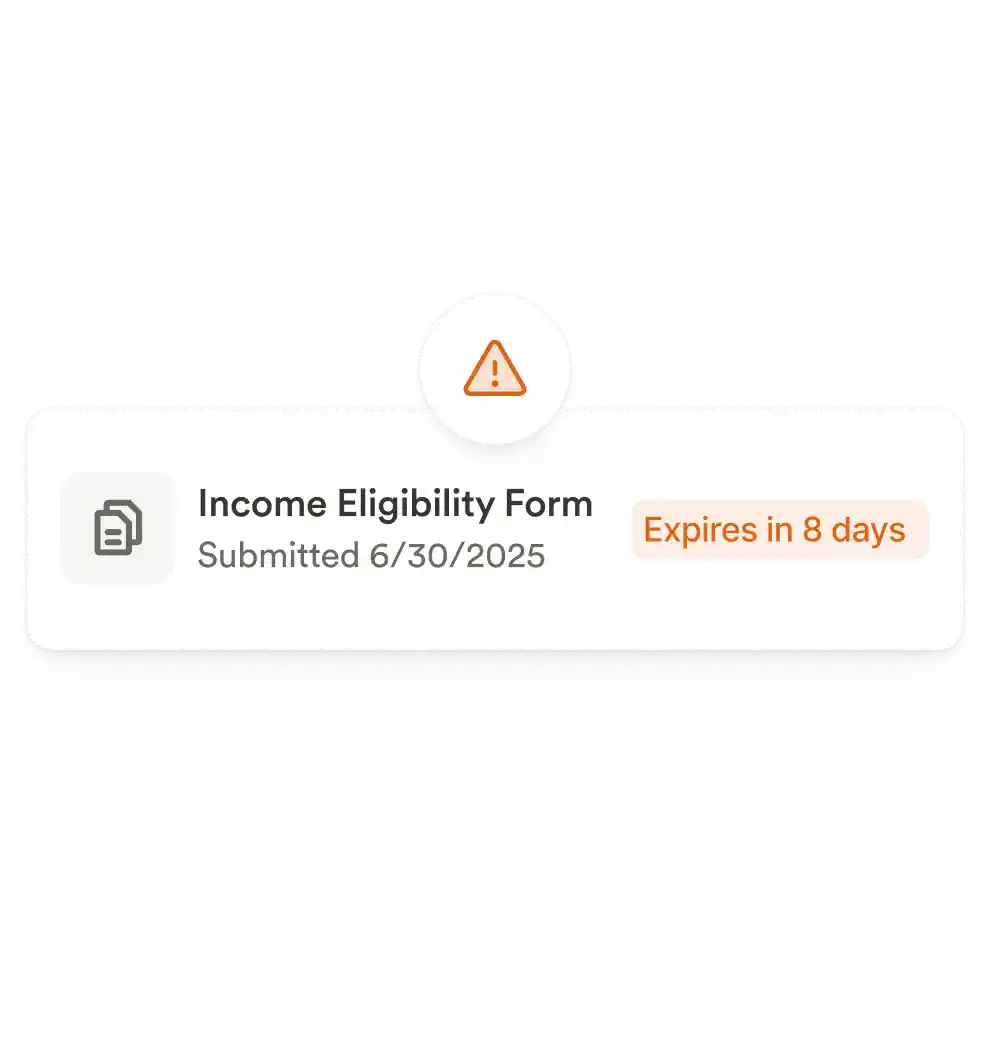
Track income eligibility forms with expiration dates
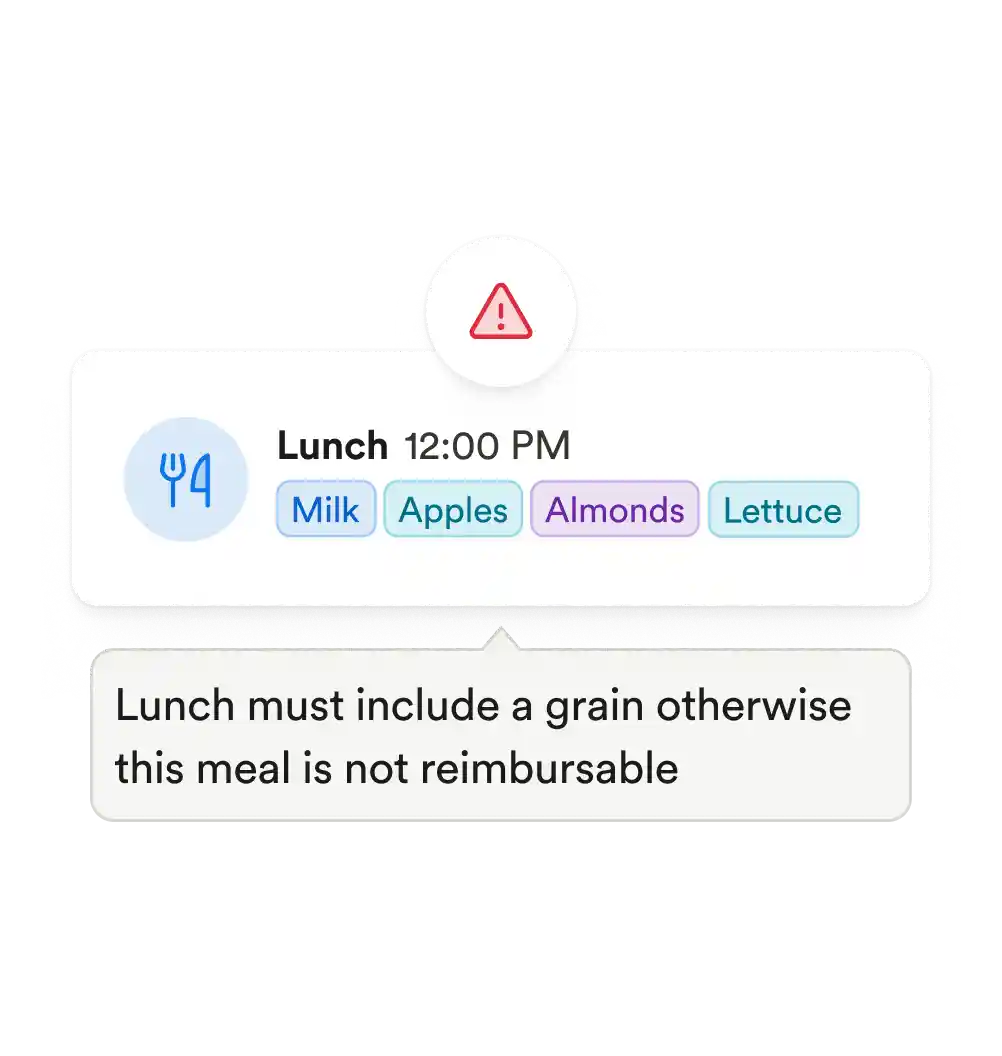
Run error reports to flag missing data or eligibility issues
Ensure claims match actual attendance and meals served
Store required documentation in one place for audit readiness
Saving you time every day
Meals, attendance, billing, and paperwork all synced
No re-entering data across multiple tools
Paperwork expirations automatically tracked
Fast audits and clean documentation when you need it
How does food program tracking work in Playground?
Playground makes it easy to record meals, manage menus, tag free/reduced/paid status, and sync attendance with meal counts, streamlining daily logging and reporting.
Is food program tracking included in the Playground subscription?
Can meals be recorded by teachers or food staff?
Does Playground support CACFP reporting?
Can menus be customized and reused?
How are food allergies managed in Playground?