
Child Care Record Retention Guide: What to Store, How Long, and Why Paper Costs More
7 min read
Aug 11, 2026
Operations
Growth
Go digital, reduce errors, and give families a better experience – without juggling or paying for DocuSign, Google Forms, Jotform, Dropbox, and PDFs ever again.
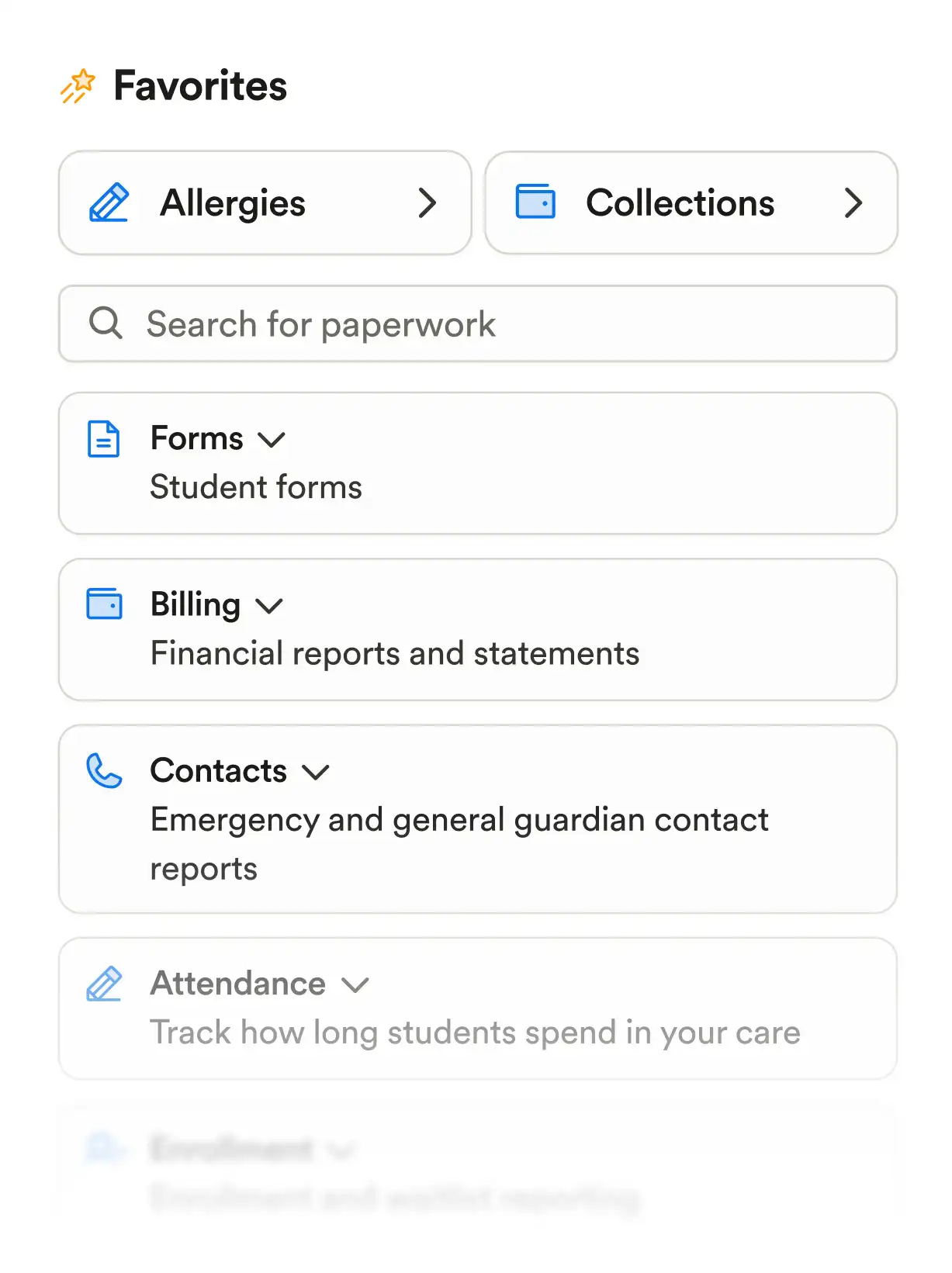
Join 500,000+ owners, directors, teachers, and families already on Playground
Paperless
One place for all your documents and files
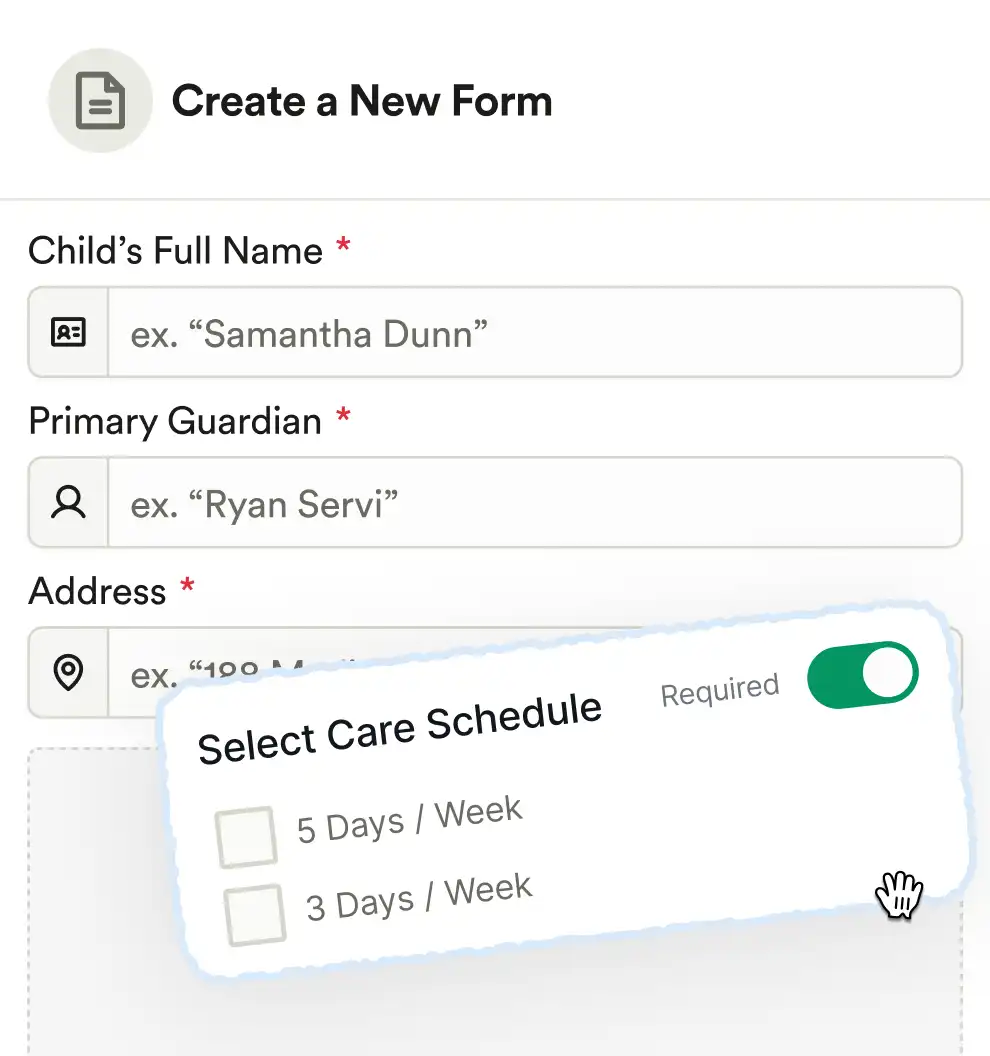
Drag-and-drop builder makes it simple to create and edit forms
Families complete paperwork in their portal — on any device
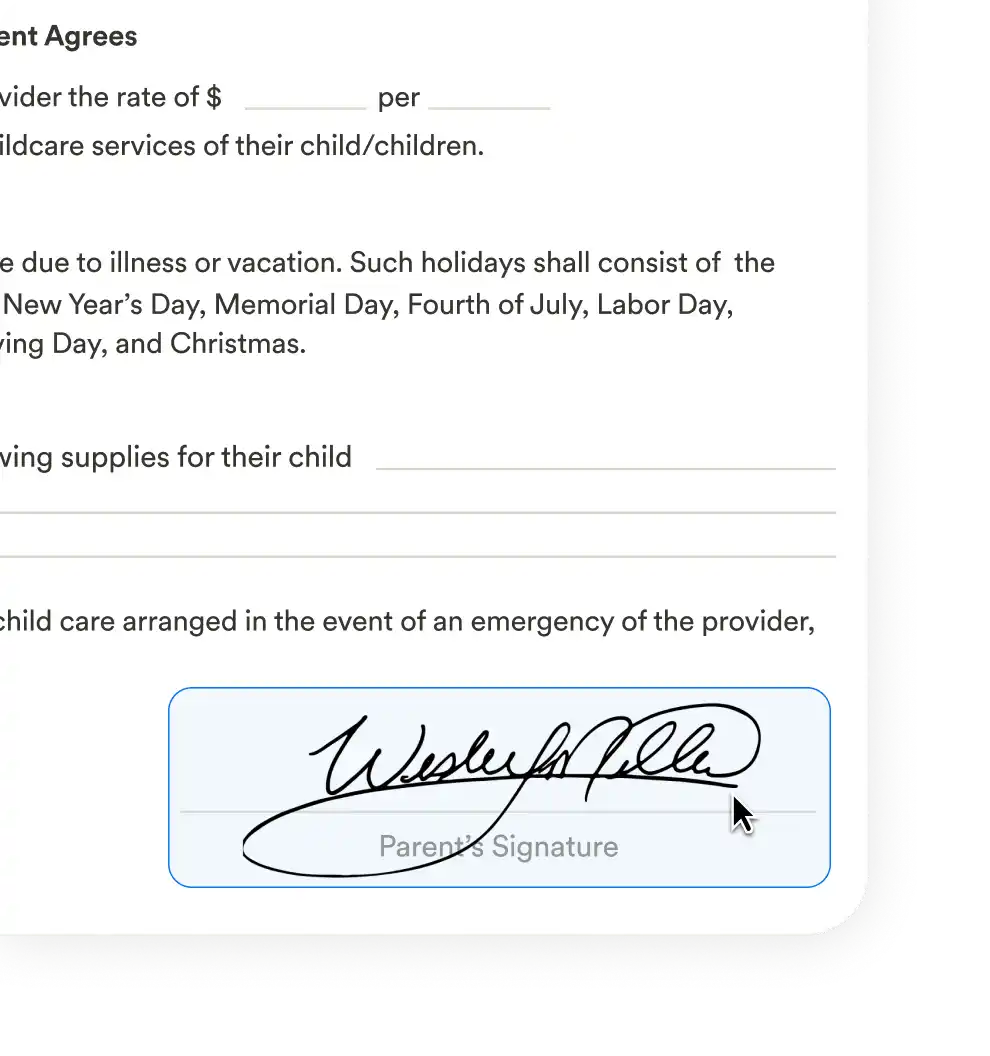
Includes digital signatures, file uploads, required fields, and expiration tracking
Made for early childhood
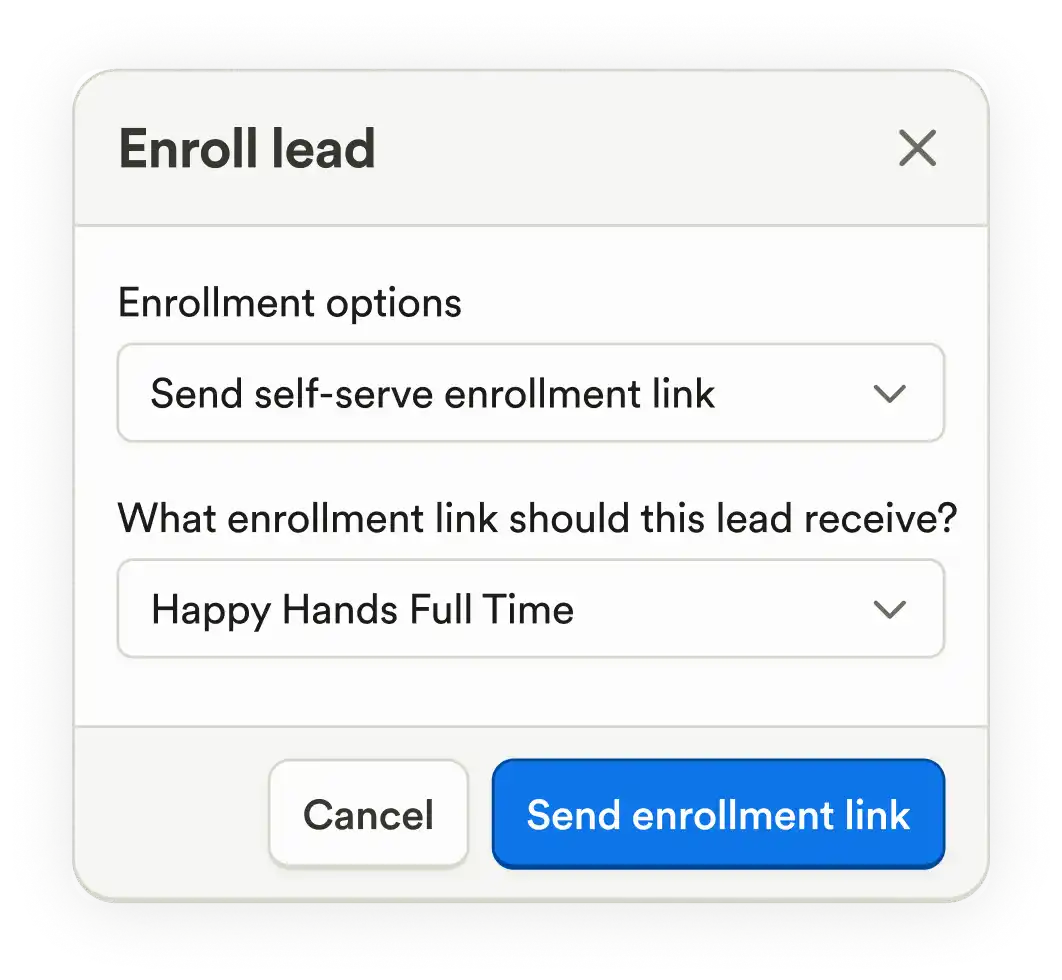
Instead of sending families to five different places to fill out forms, upload files, and sign documents, Playground brings it all together in one portal on mobile and desktop.
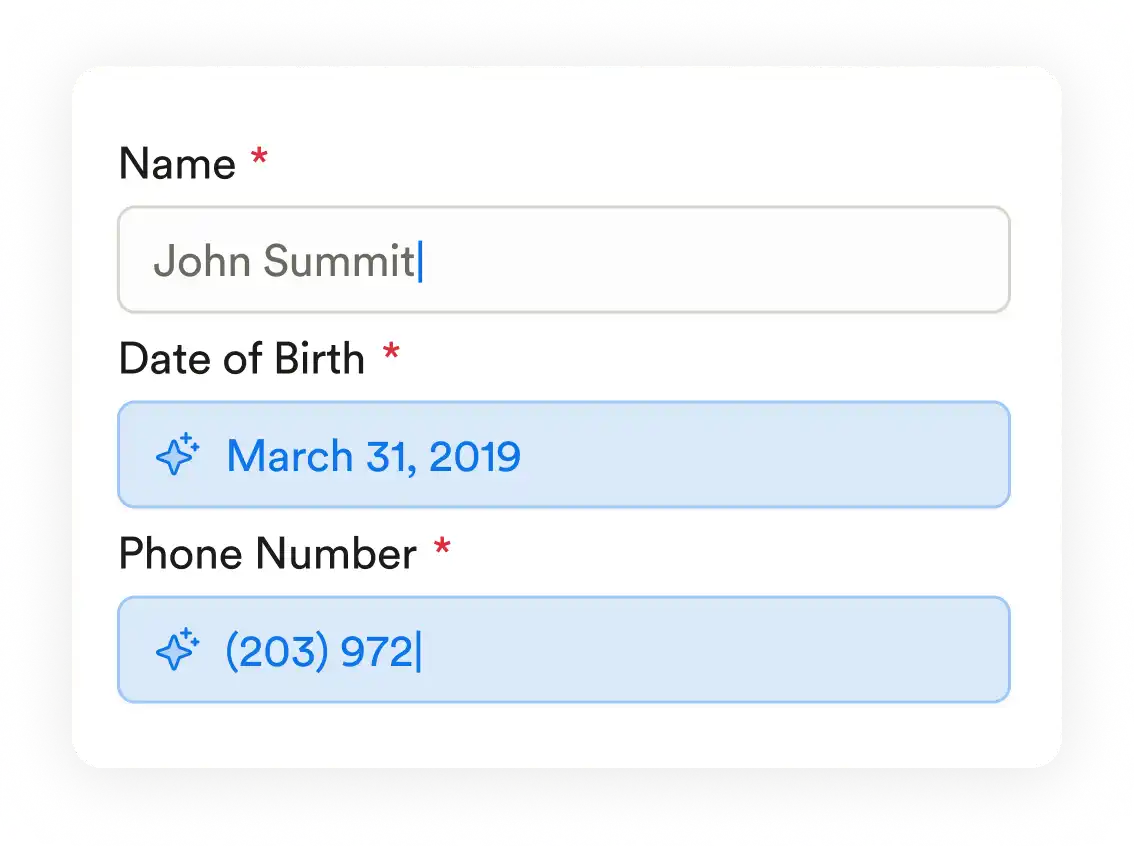
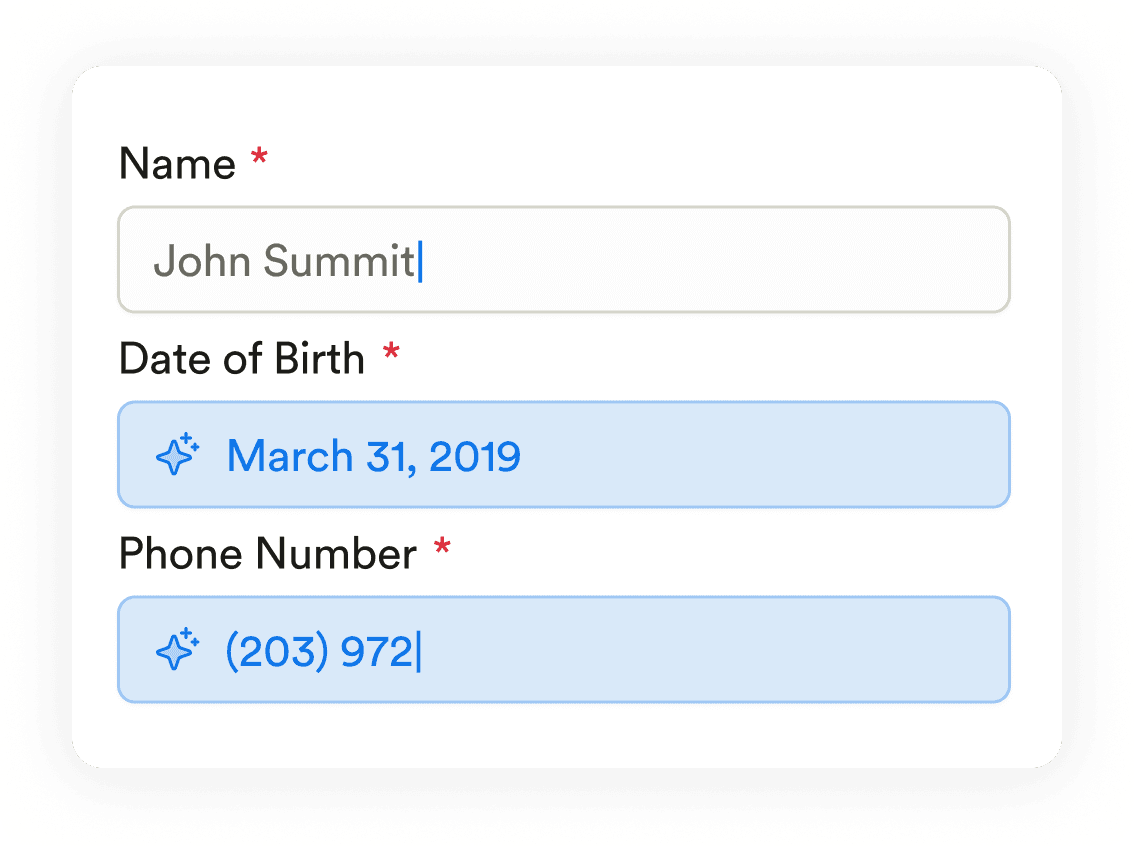
Parents shouldn’t have to type the same info over and over. Playground autofills common fields across forms and even across siblings. Less typing, fewer mistakes (especially helpful for similar paperwork for siblings).
Paper gets lost. Email attachments get ignored. With Playground, families complete everything in one streamlined flow—whenever it’s convenient for them.
Custom paperwork builder
Collect any type of form or document
From physician forms to allergy info, vaccination records, and tuition paperwork—build exactly what you need, no workarounds.
Drag-and-drop form builder
Create any form you need in minutes—enrollment packets, permissions, physician forms, you name it. Ditch the time-consuming Google Forms and clunky PDFs that don’t work on phones.
Upload PDFs and make them fillable
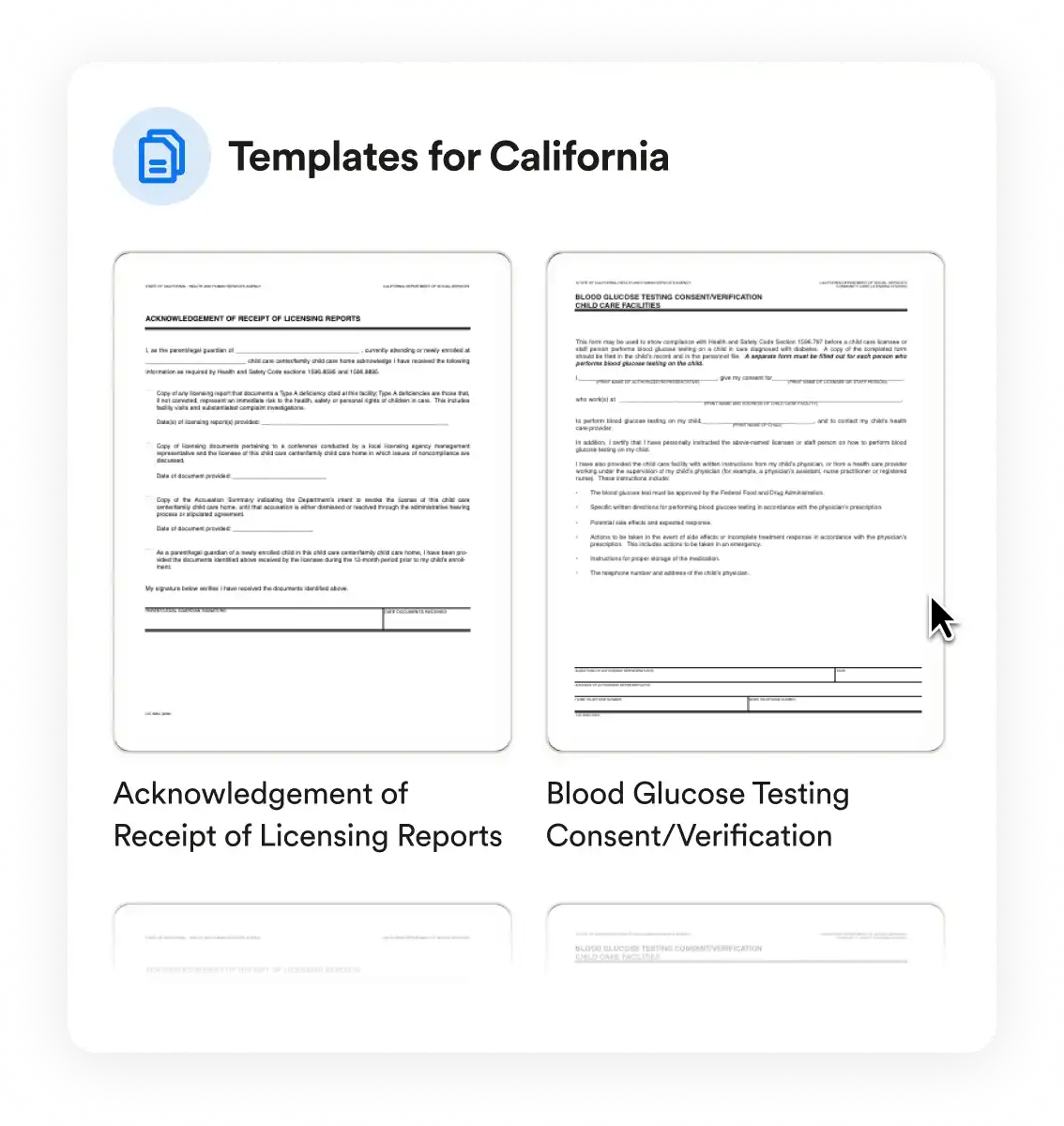
Still using licensing forms in PDF format? Upload them once and turn them into fillable, mobile-friendly forms families can complete and sign instantly. No printing. No manual edits. No DocuSign fees.
Collect eSignatures that actually mean something
With Playground, every eSignature is dated, timestamped, and stored securely. Unlike email attachments or generic signature tools, nothing gets lost or left to chance.
Real time visibility
Real-time dashboard
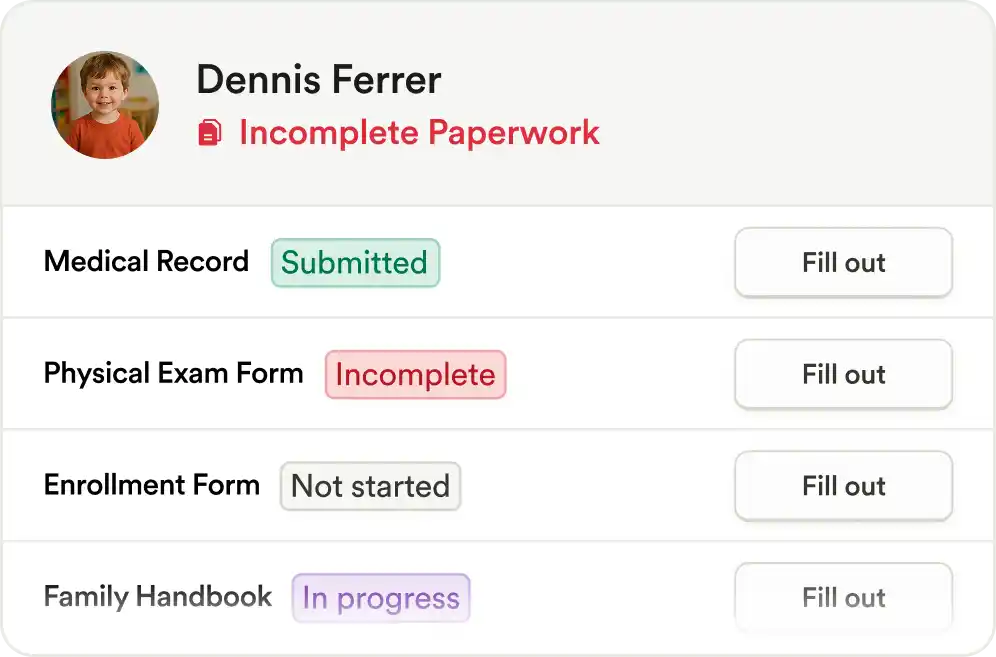
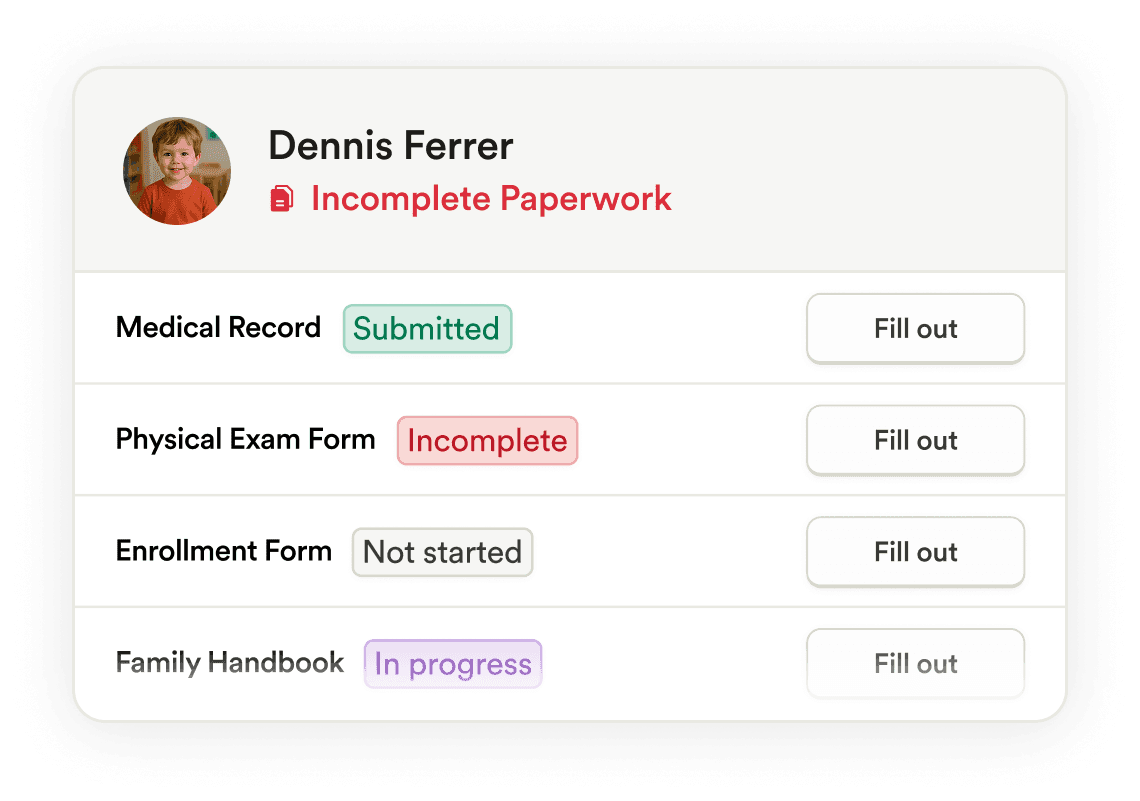
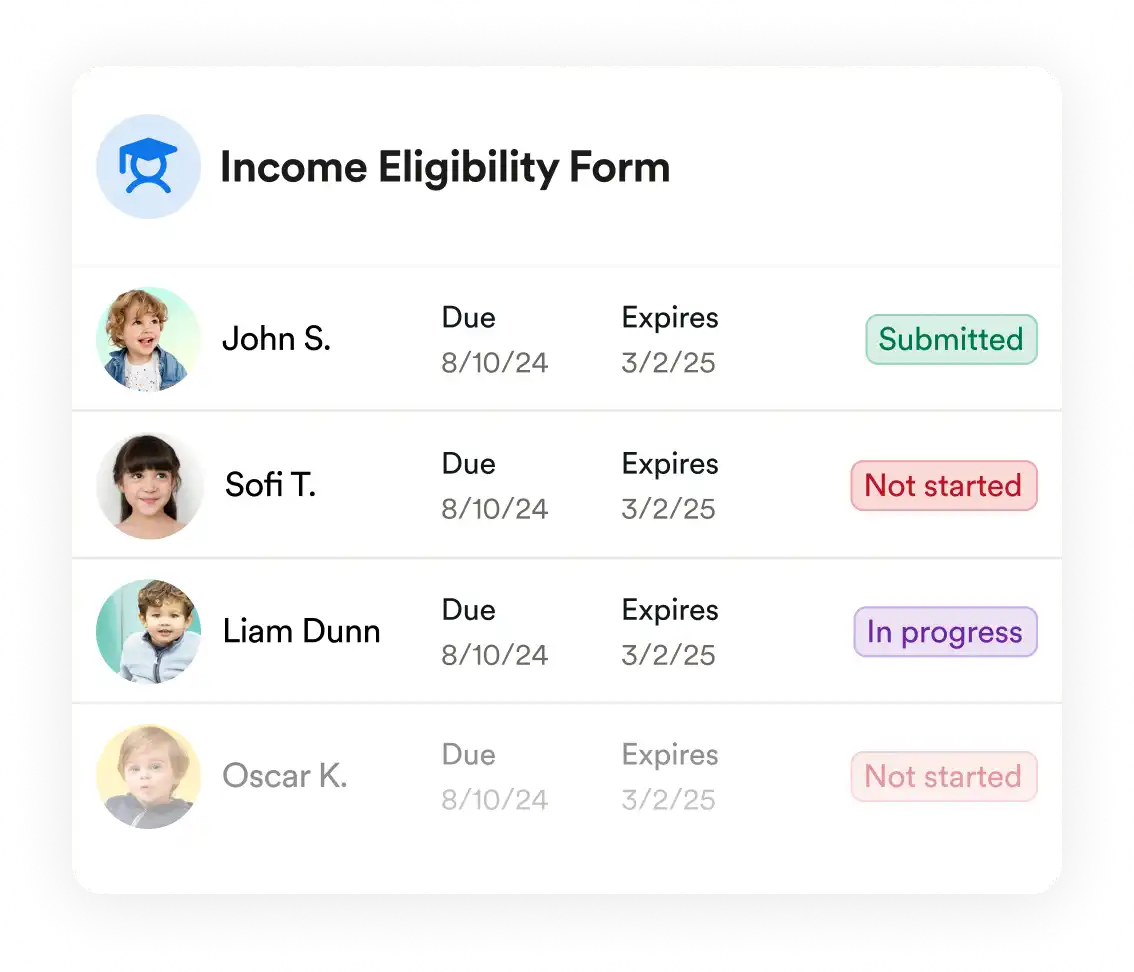
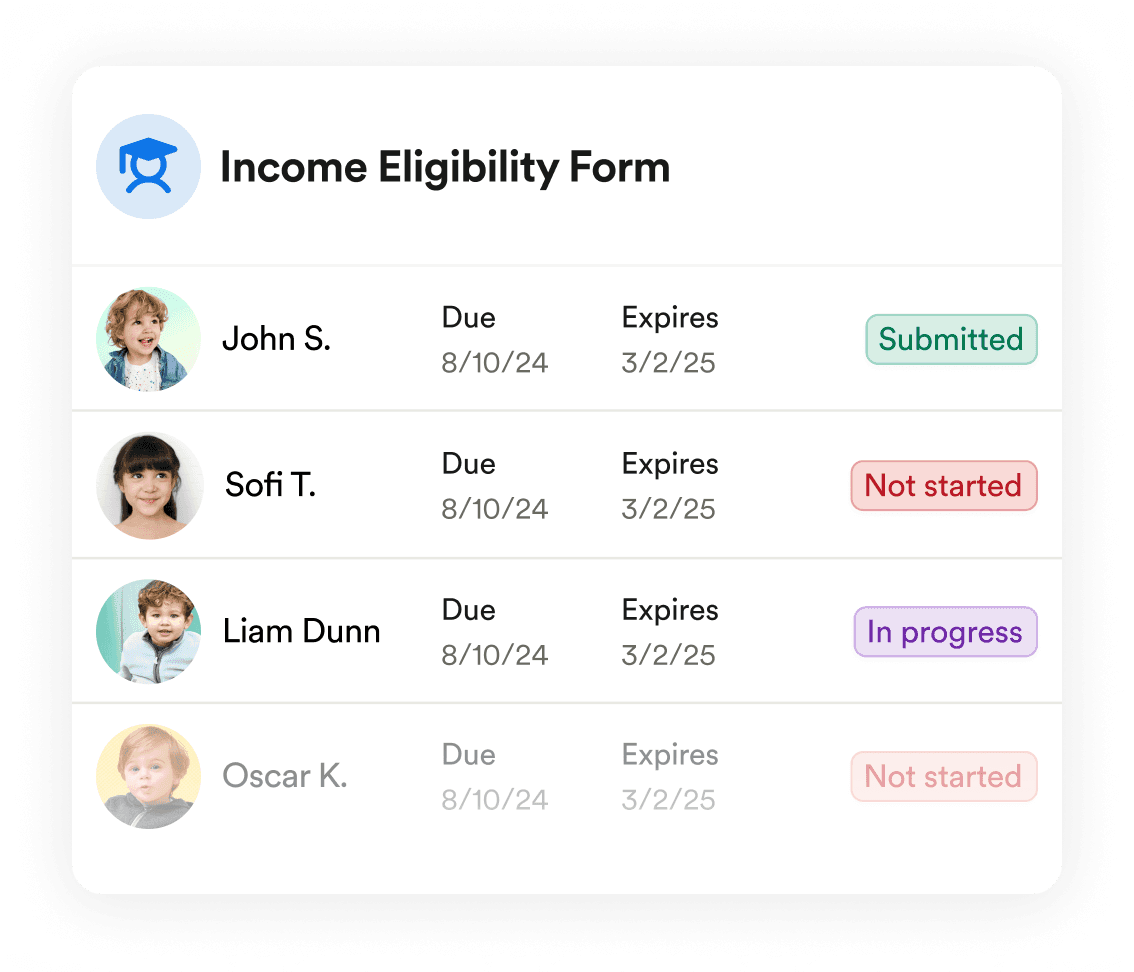
Playground shows exactly what’s submitted, what’s in progress, and what’s overdue at a glance. No more hunting through Google Drive folders or manually checking a spreadsheet.
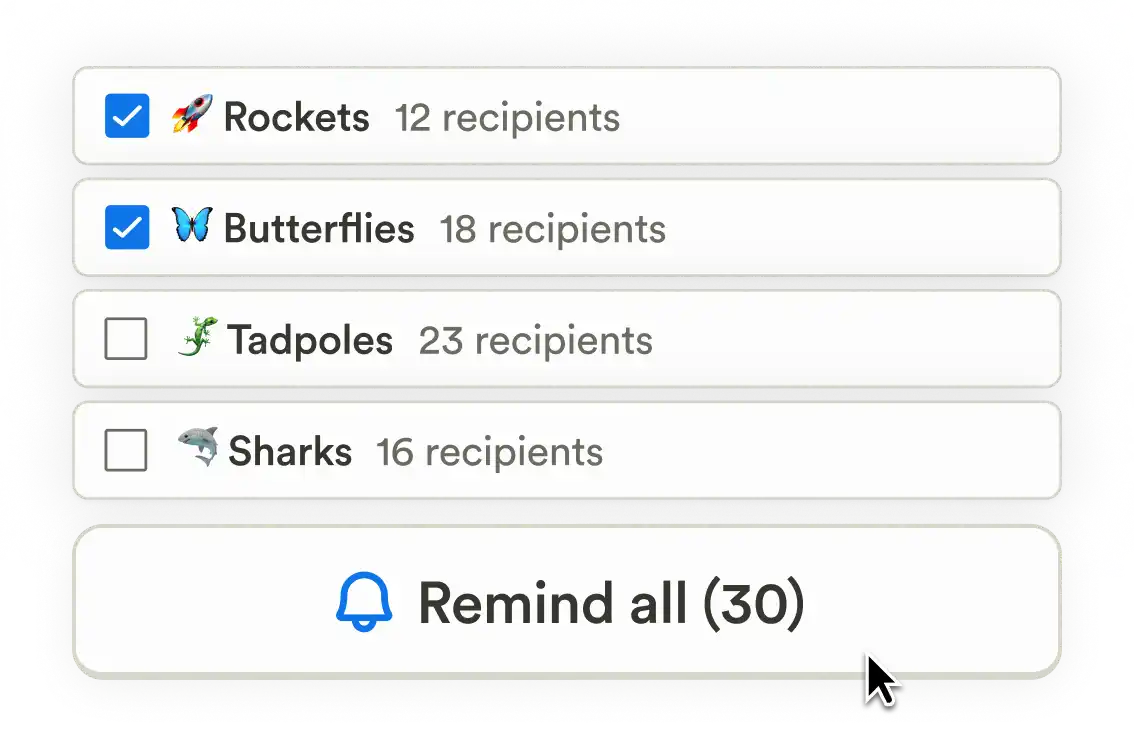
Send reminders in one click
Need to follow up? Send a bulk nudge to everyone missing a form—without writing individual emails or calling parents one by one.
Expiration date tracking
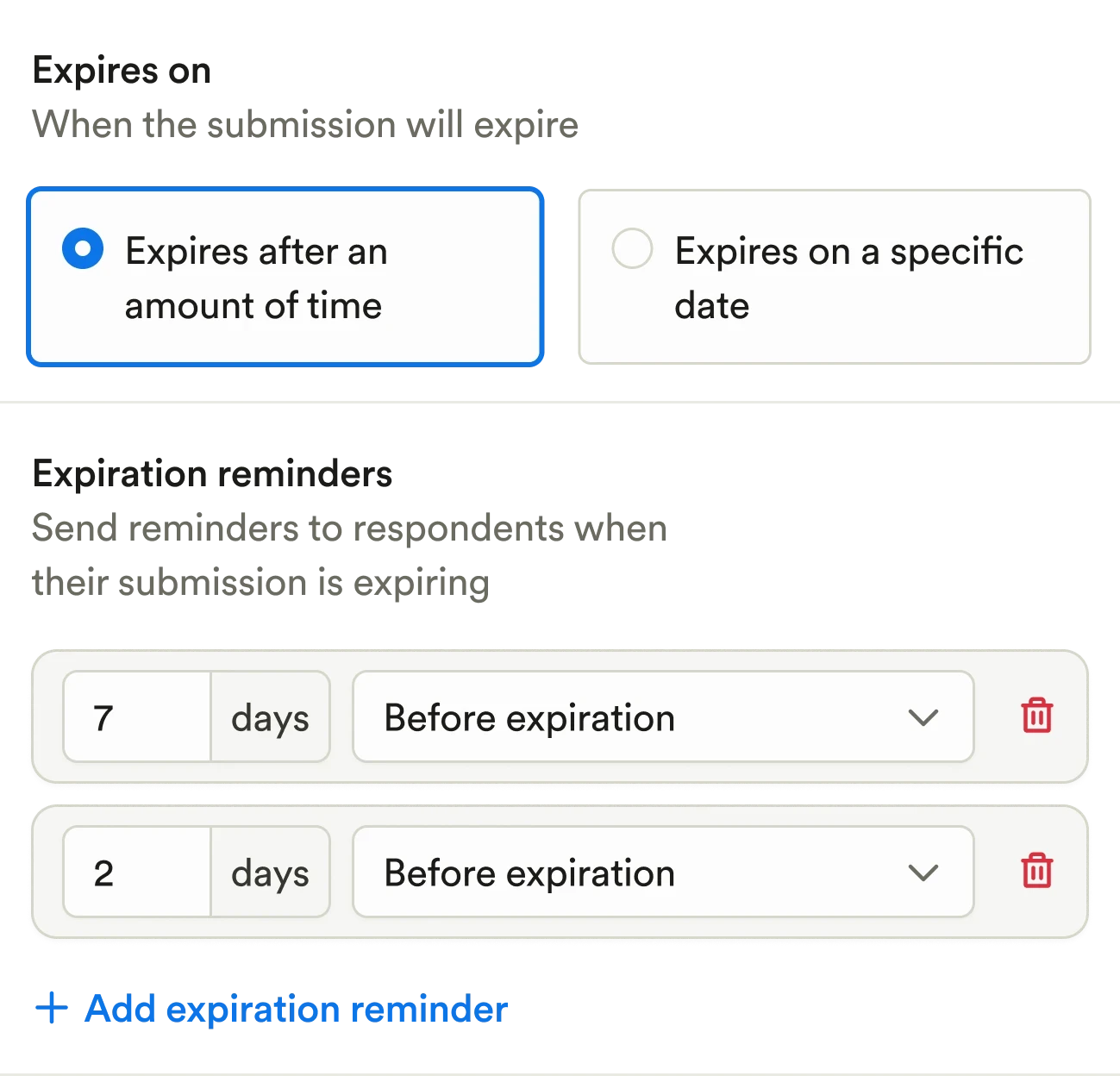
Income eligibility. Medical forms. Re-enrollment paperwork. Playground tracks expirations and keeps families ahead of deadlines—no more scrambling or non-compliance risks.
Robust permission & access
Share the right paperwork with the right people
Stop wasting time customizing each packet manually. Share specific forms with individual families, classrooms, or groups, with full control over permissions.
Store and manage every submission
Families can update forms as needed, and you’ll always see the most recent version. Past submissions are saved for your records—no digging through email chains.
Bulk send, at scale
Whether you’re sending to 5 families or 500, Playground personalizes each version for you. No copy-paste. No duplicated effort.
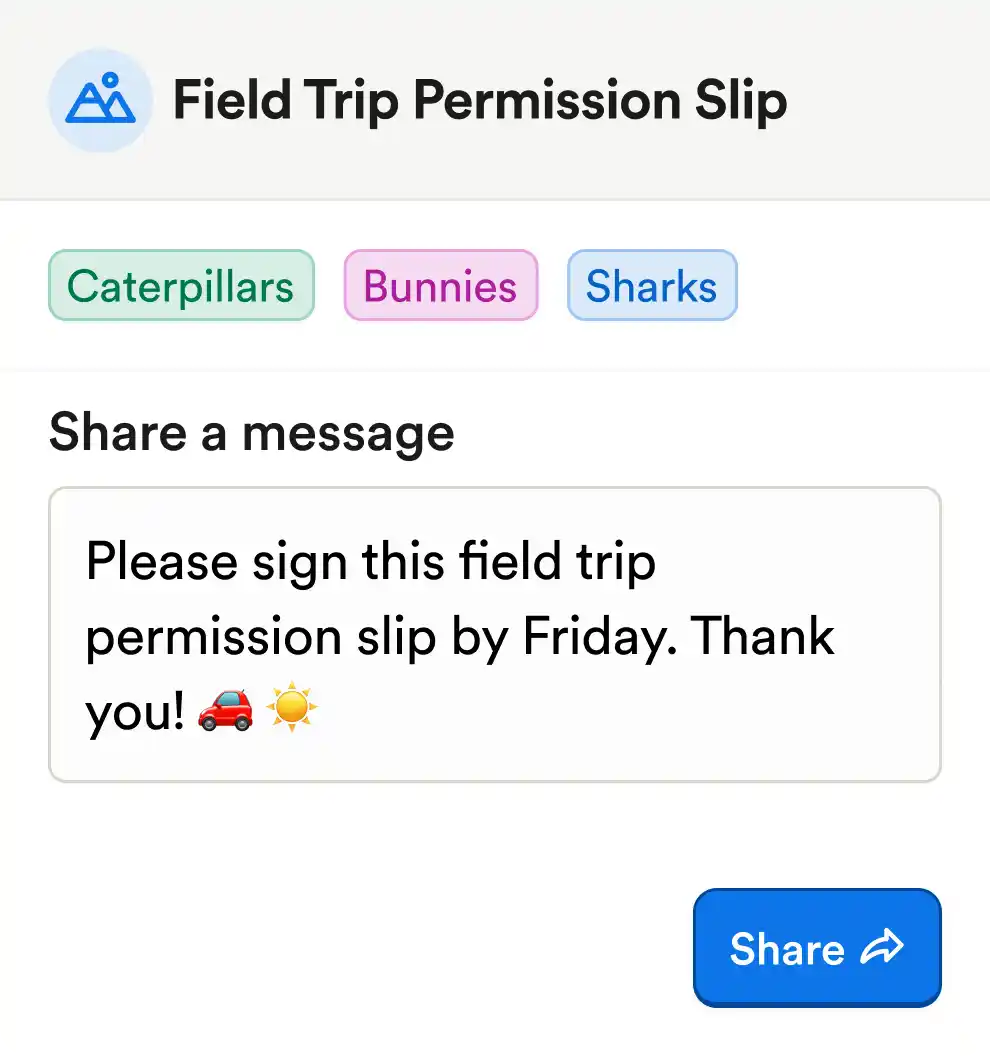
Automatic reminders
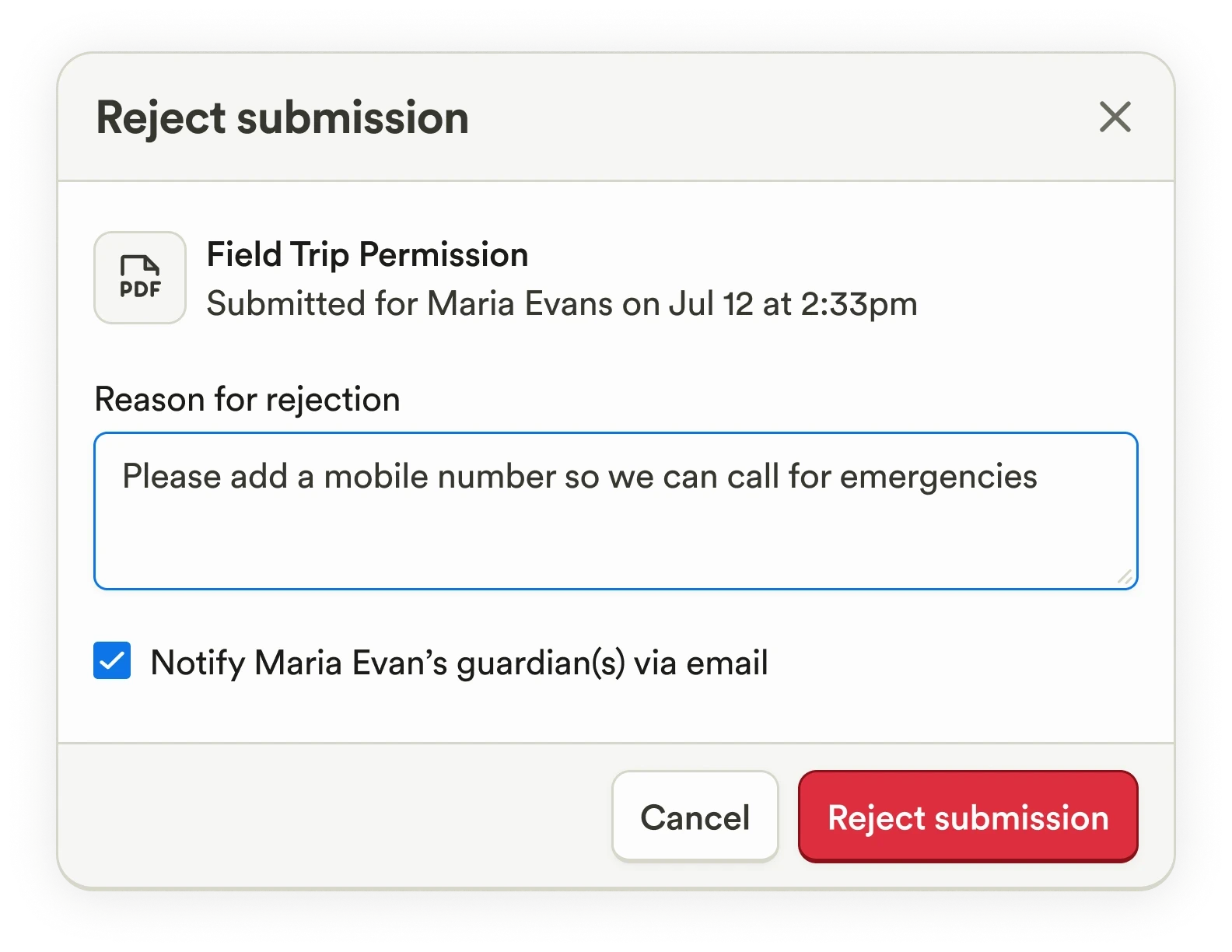
Approve & reject paperwork
No more downloading files, replying manually, or wondering which documents are actually usable.
Approve valid documents, reject incomplete ones, and automatically notify families when changes are needed.
No more downloading files, replying manually, or wondering which documents are actually usable.
Made for everyone
All-in-one
How do families complete paperwork online on Playground?
Playground includes a drag-and-drop document builder, eSignatures, file uploads, expiration tracking, and custom sharing, making it easy to collect and manage any type of paperwork digitally.
Can I move my child care paperwork to 100% digital?
Can paperwork be assigned by program or classroom?
Does Playground track completion status and expiration dates?
Can state licensing forms be managed in Playground?
Is paperwork included in the Playground subscription?