Table of Contents
Changelog
Call Support for API, Coming Due Paperwork Report, & Bulk Photo Downloads
Call Support for API, Coming Due Paperwork Report, & Bulk Photo Downloads
Published
Mobile Version
628
In This Update
4 Releases
14 Improvements
7 Fixes
Mobile Version
628
4 Releases
14 Improvements
7 Fixes
Marketing & CRM
The API now supports CRM form submissions and call activity, including optional recordings, transcripts, AI summaries, and site filtering, making it easier to connect CRM data to outside systems.
CRM tasks now include an Unassigned filter, and tasks are automatically unassigned when their owner leaves so follow-up work is easier to find.
CRM Calls and SMS tables now support sorting across all columns, with a searchable phone number filter for easier navigation.
CRM lead action modals now have searchable site pickers, and resend signup no longer snaps back to the lead’s default site.
CRM email and SMS templates can now use the assigned site owner’s name and email as merge tags, helping enterprise teams personalize messages.
CRM automations can now set a lead date field to the day the automation step runs, making date tracking easier without manually choosing a date.
Embedded CRM forms and tour bookings now offer better conversion tracking, including host page analytics and Meta Pixel support.
Enterprise admins with CRM settings access can now manage caller ID settings.
CRM availability setup now keeps a user’s own Microsoft calendars selectable even when their sign-in address differs from their mailbox address.
CRM pivot reports now open the leads matching the displayed counts, instead of showing empty or mismatched drilldowns.
White-label CRM booking and embed links now use the customer’s own domain instead of the default Playground domain.
Enterprise role editors now keep CRM permissions visible when switching between a site and the enterprise dashboard.
Billing & Finances
Scheduling overage fees now flow through Fee Approvals as named fee types, with accounting codes available for cleaner reporting and accounting exports.
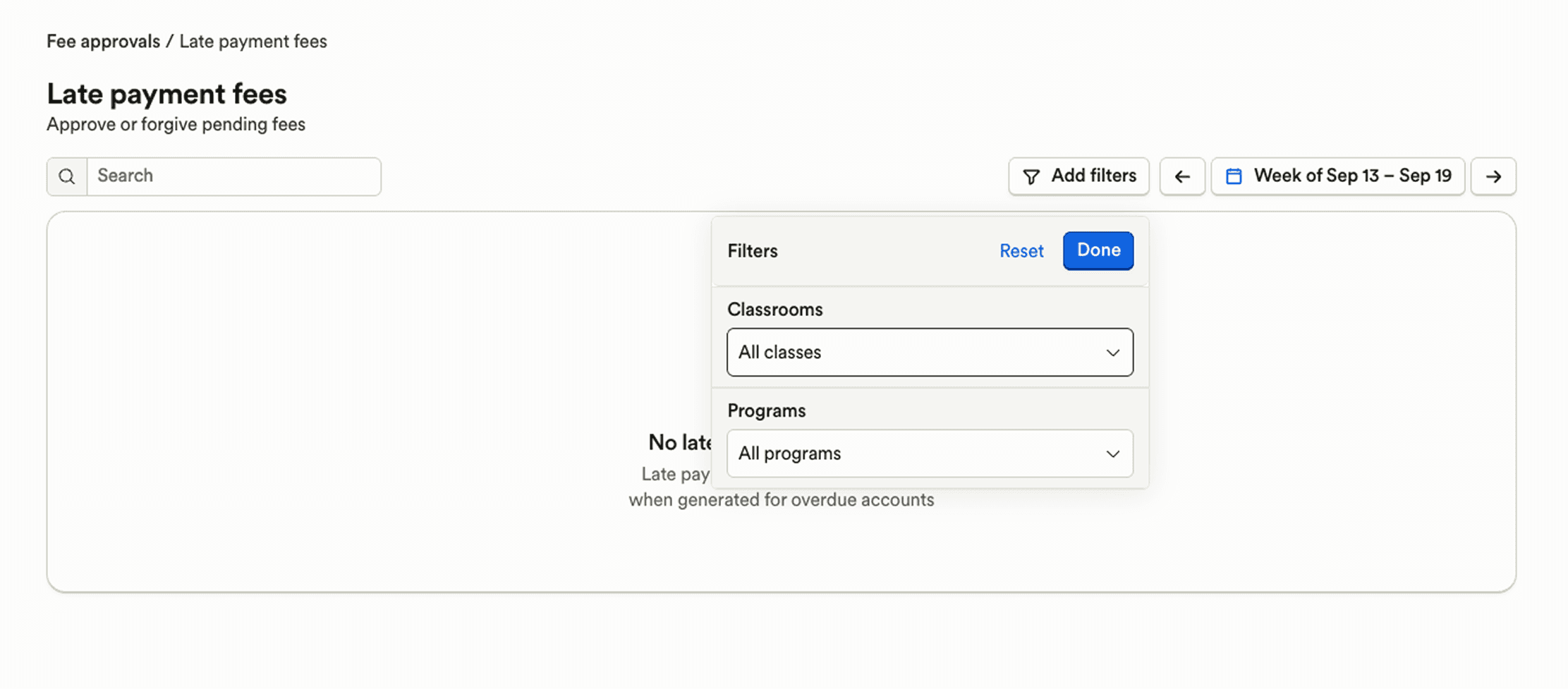
Late payment fees can now be filtered by classroom and program, making it easier to find fees tied to specific groups of students.
CCA student matching now shows classroom and account number details, making it easier to select the right student when names are similar.
Food Program claims now let admins delete duplicate meal rows directly from the claims tab, with a detailed confirmation.
Mobile Food Program meal recording now warns before recording a duplicate meal and ignores accidental double taps while saving.
Enrollment & Paperwork
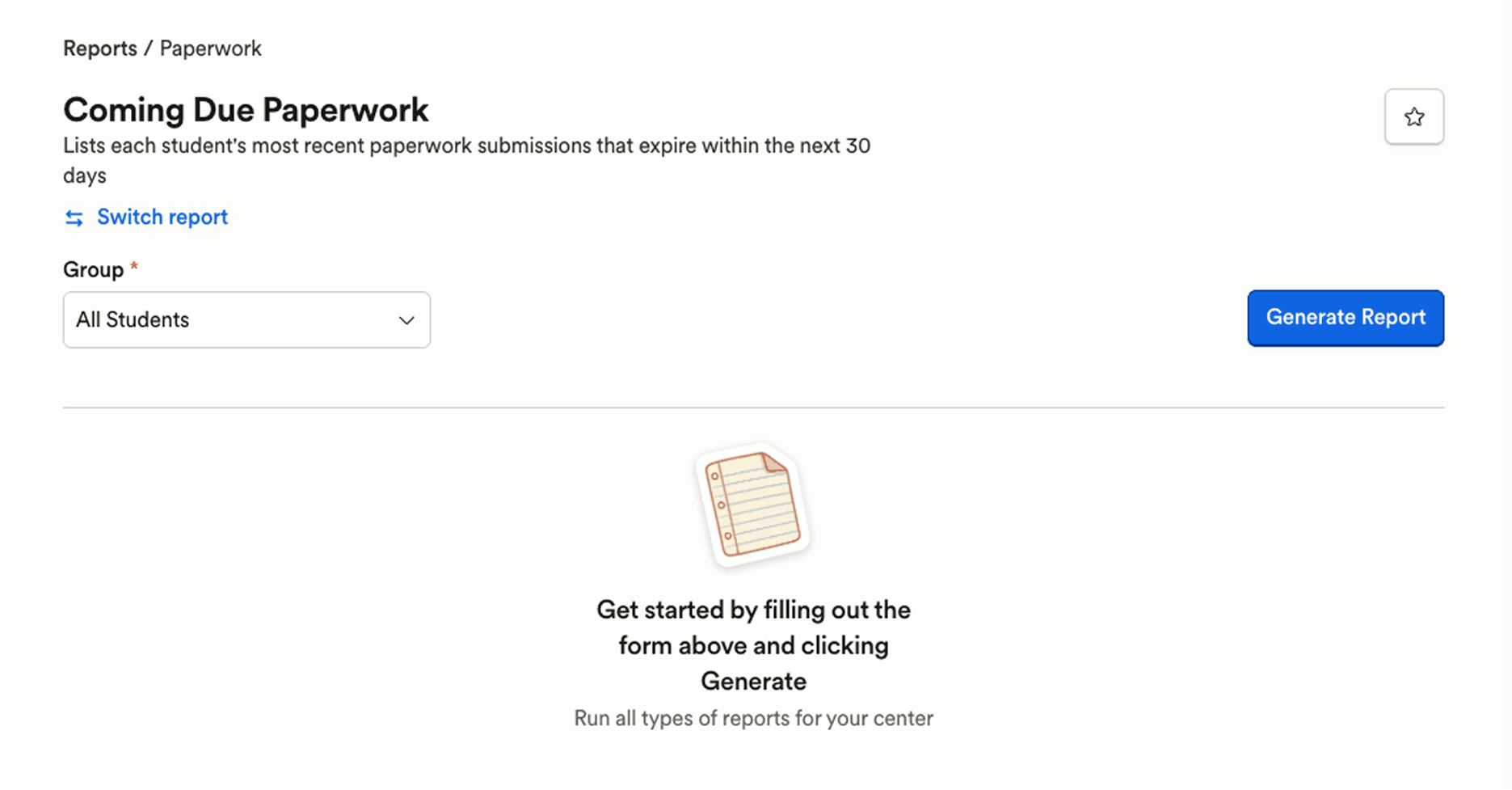
New Coming Due Paperwork reports help staff find student and staff paperwork expiring in the next 30 days, making it easier to follow up before documents expire.
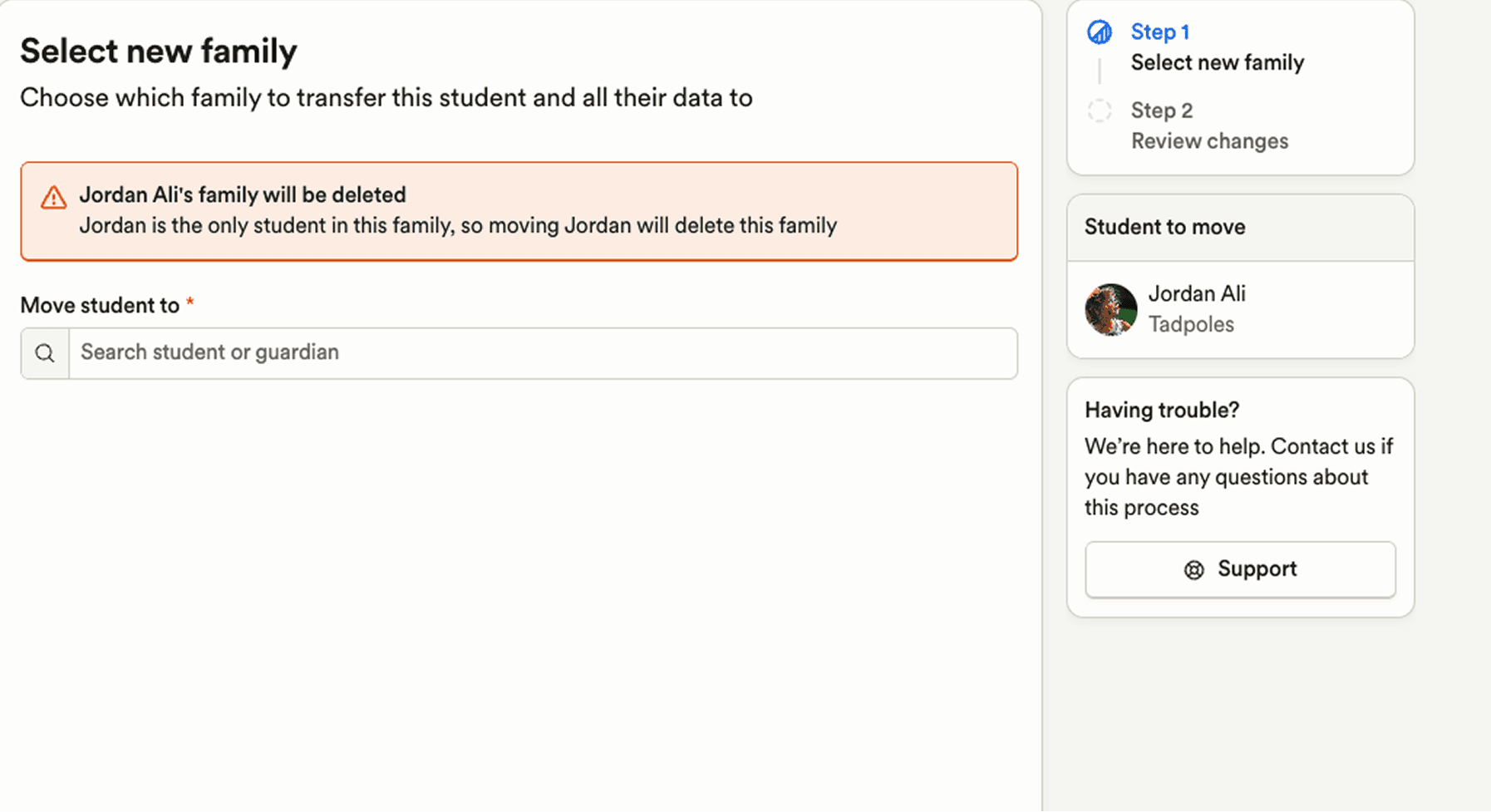
Admins can now move a student to another family directly from the student profile, with a guided review of which records move and what stays with the original family.
Paperwork with multiple submissions turned off now updates the existing submission instead of creating duplicate copies when saved multiple times.
Scheduling & Attendance
When changing a student’s classroom, admins can now update matching recurring schedules at the same time, avoiding a separate schedule cleanup step.
Reporting & Insights
Enterprise report users with assigned center tags can once again filter reports by center tag, with multi-tag filters returning the expected centers.
Family Communication
On mobile, guardians can now select and download multiple photos from the media gallery at once.
Payroll
Staff settings now warn before changing a start date tied to anniversary-based PTO, helping admins avoid accidental balance changes.
Admins can now clear end dates from deductions, garnishments, and benefits without deleting and recreating the record.
Marketing & CRM
The API now supports CRM form submissions and call activity, including optional recordings, transcripts, AI summaries, and site filtering, making it easier to connect CRM data to outside systems.
CRM tasks now include an Unassigned filter, and tasks are automatically unassigned when their owner leaves so follow-up work is easier to find.
CRM Calls and SMS tables now support sorting across all columns, with a searchable phone number filter for easier navigation.
CRM lead action modals now have searchable site pickers, and resend signup no longer snaps back to the lead’s default site.
CRM email and SMS templates can now use the assigned site owner’s name and email as merge tags, helping enterprise teams personalize messages.
CRM automations can now set a lead date field to the day the automation step runs, making date tracking easier without manually choosing a date.
Embedded CRM forms and tour bookings now offer better conversion tracking, including host page analytics and Meta Pixel support.
Enterprise admins with CRM settings access can now manage caller ID settings.
CRM availability setup now keeps a user’s own Microsoft calendars selectable even when their sign-in address differs from their mailbox address.
CRM pivot reports now open the leads matching the displayed counts, instead of showing empty or mismatched drilldowns.
White-label CRM booking and embed links now use the customer’s own domain instead of the default Playground domain.
Enterprise role editors now keep CRM permissions visible when switching between a site and the enterprise dashboard.
Billing & Finances
Scheduling overage fees now flow through Fee Approvals as named fee types, with accounting codes available for cleaner reporting and accounting exports.
Late payment fees can now be filtered by classroom and program, making it easier to find fees tied to specific groups of students.
CCA student matching now shows classroom and account number details, making it easier to select the right student when names are similar.
Food Program claims now let admins delete duplicate meal rows directly from the claims tab, with a detailed confirmation.
Mobile Food Program meal recording now warns before recording a duplicate meal and ignores accidental double taps while saving.
Enrollment & Paperwork
New Coming Due Paperwork reports help staff find student and staff paperwork expiring in the next 30 days, making it easier to follow up before documents expire.
Admins can now move a student to another family directly from the student profile, with a guided review of which records move and what stays with the original family.
Paperwork with multiple submissions turned off now updates the existing submission instead of creating duplicate copies when saved multiple times.
Scheduling & Attendance
When changing a student’s classroom, admins can now update matching recurring schedules at the same time, avoiding a separate schedule cleanup step.
Reporting & Insights
Enterprise report users with assigned center tags can once again filter reports by center tag, with multi-tag filters returning the expected centers.
Family Communication
On mobile, guardians can now select and download multiple photos from the media gallery at once.
Payroll
Staff settings now warn before changing a start date tied to anniversary-based PTO, helping admins avoid accidental balance changes.
Admins can now clear end dates from deductions, garnishments, and benefits without deleting and recreating the record.
Previous releases

Meetings Reporting, Camber Voice Caller Recognition, & More API Data
Enterprise Custom Reports & Bulk SMS Sending For Leads

Auto-Detect Fillable PDF Fields, Redesigned Assessments, & Website Chat in CRM Inbox
Enterprise Custom Reports & Bulk SMS Sending For Leads

Enterprise Lesson Plans, Book Meetings Through API, Communication History
Enterprise Custom Reports & Bulk SMS Sending For Leads

Book a demo and simplify every corner of your business.




Book a demo and simplify every corner of your business.